

The messaging platform has recently introduced a function for scanning documents. WhatsApp accesses the camera, identifies the document you need and automatically crops it. Not only that: it is also able to enhance contrasts and adjust color saturation to make the document more readable.
A new feature has arrived on WhatsApp for scan documents directly from the app. In recent months it seems that Meta has started to invest heavily in the platform, all things considered the new features arrived. Among all we remember that for a few weeks it has been possible to transcribe audio messages without opening them. An excellent solution for those who are allergic to this format.
The new function implemented on the platform allows you to scan documents directly and then send them. The roll outthat is, distribution, has begun these days. We tested it on an iOS operating system. It works very well, especially because it allows you to crop automatically documents and adjust contrasts to make the text stand out.
In this article we explain all the steps for use this new option. The only warning we leave you is that to use it you need to have one updated version of the app. If you can’t find it, try going up Play Store or App Store to check that you have the latest available version of WhatsApp. If you don’t find it immediately, don’t worry, it’s possible that it’s for your smartphone or your operating system is not yet available. If so, don’t despair: just wait a few days.
WhatsApp will stop working on these phones from today: the complete list
How to scan a document on WhatsApp
To scan a document on WhatsApp these are the steps to follow:
- Open WhatsApp
- Tap the button +
- Tap the option Document
- You choose Document Scan
- Raise your smartphone enough to frame the document
- At this point the app will highlight the in green photo portion of the document
- Shoot when you are satisfied with the shot
- If you like the result send the document, otherwise repeat the operation
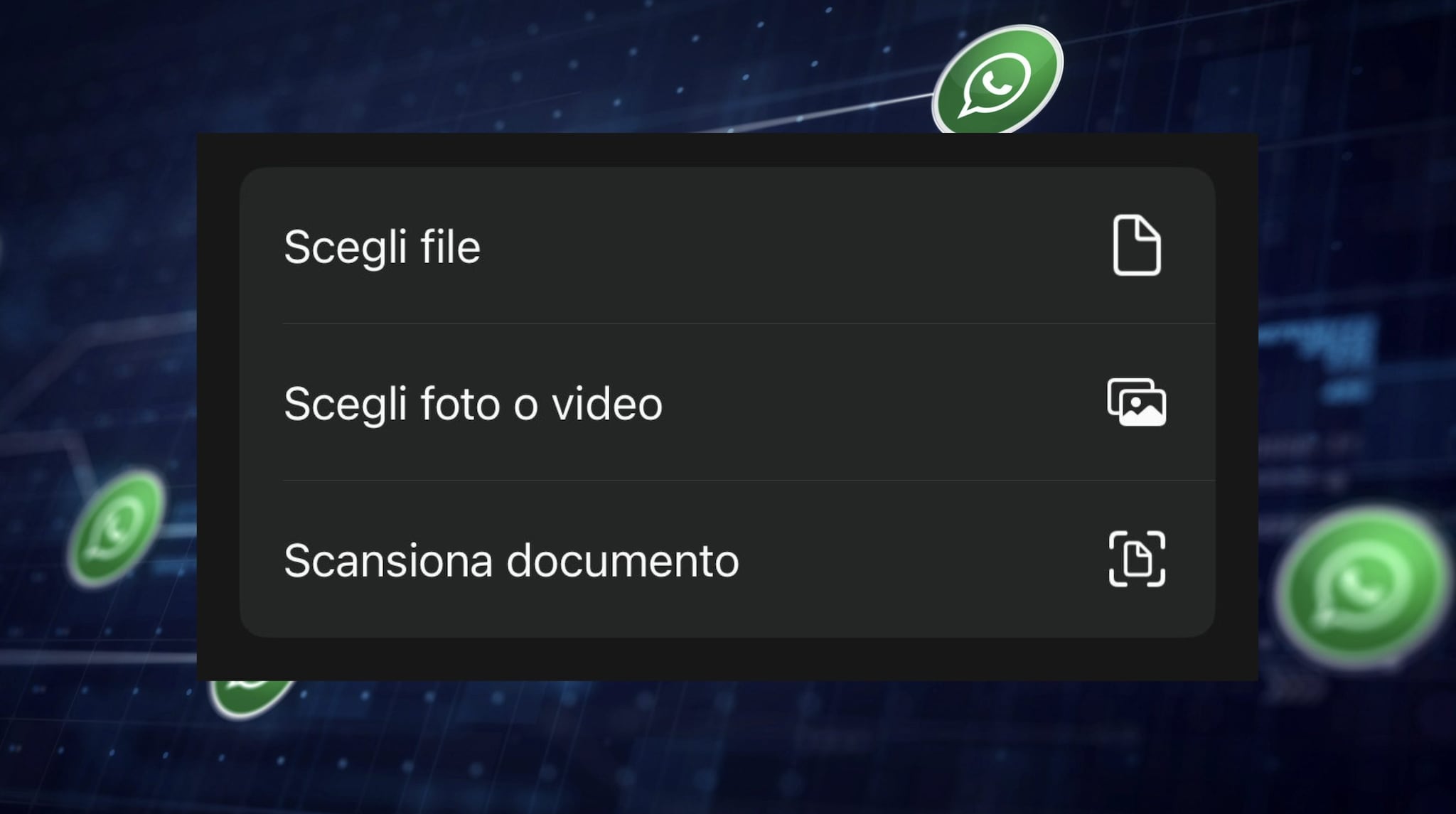
WHATSAPP | The options of the new “Scan Document” function
