

Many users complained when they discovered that content will now have a rectangular format. Now they are faced with two options: either adapt the posts to the new grid or use a trick.
When I opened Instagram this morning I noticed something strange. My feed was different. The square posts that have characterized Instagram for years had become rectangular. Meta has decided to change the format of the platform, now the grid measures 4:5, giving a new look to social feeds. The roll out has started but not for all accounts, the new grid will be rolled out graduallyit is possible that some users still see square posts, but it’s only a matter of time.
The update is a clear indication towards more vertical grids, in other words more similar to TikTok. That’s the visual impact. But it’s not surprising, for years Instagram has been looking to its Chinese competitor for inspiration, just think of the reels and the investment in video content. The latest format adopted by the Meta platform follows this line. The 4:5 ratio indeed delivers a more cinematic look compared to the classic square format that it recalled instead the aesthetics of polaroids.
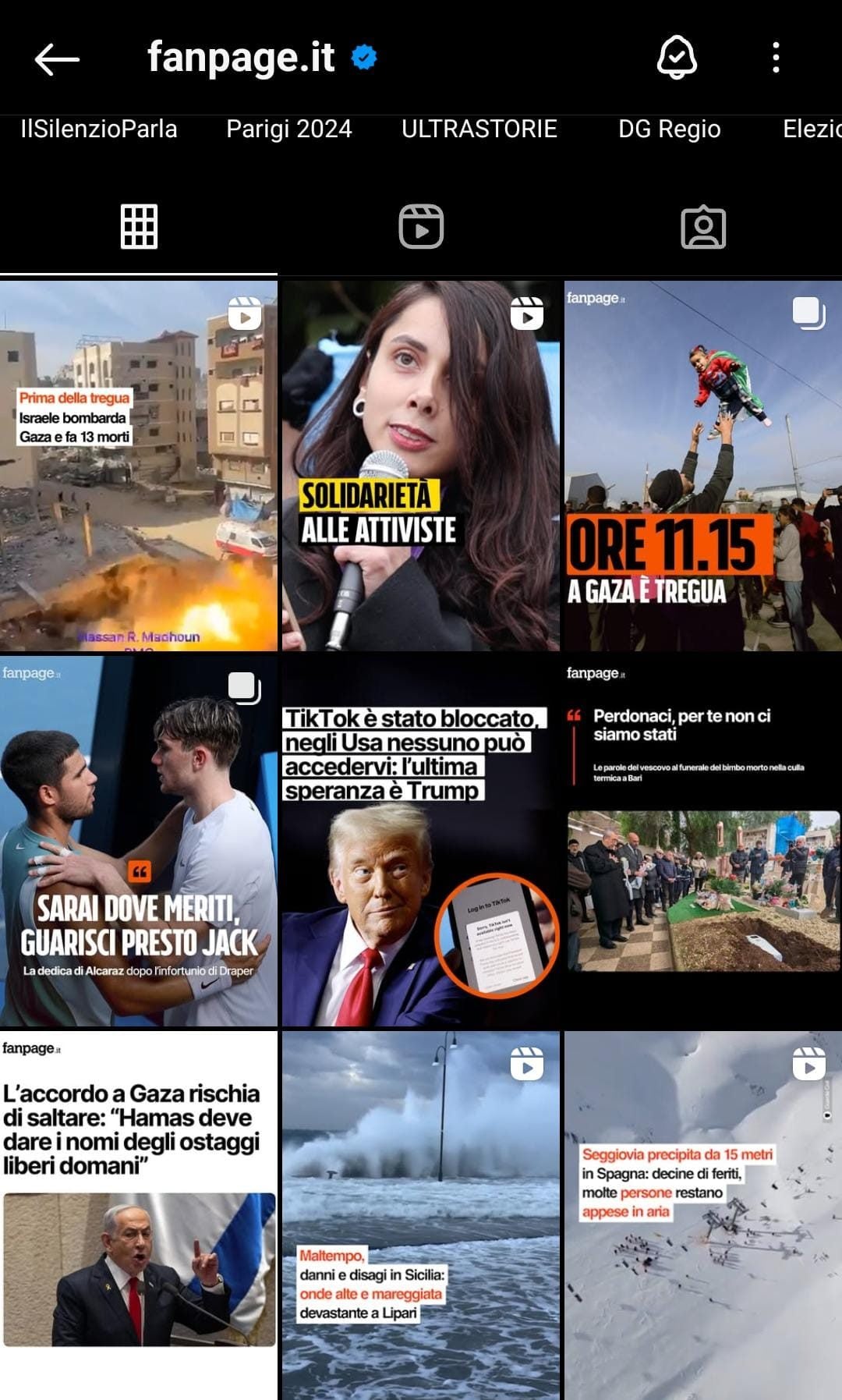
INSTAGRAM | What the new grid looks like
Why users are complaining about the new grill
Not everyone is happy with the new grille. Many users are already complaining: “Do you realize that I work with Instagram? I’ve been making content based on the feed for years!”. Others ask for help: “Is there a way to restore it? I published my content with the square format in mind, how do I do it?”
Instagram has two new functions just for these days: how to make a 2024 recap for New Year’s Eve
Instagram is not just a platform for sharing photos, creators, influencers, companies have built a business using the social network and many have exploited the square format to create compositions and glances on their feed.
How to make your feed square again
There is no way to restore the square format. Users are therefore faced with two options: either adapt the new content to the rectangular grid or use a trick. It is indeed possible to maintain a square aestheticjust adapt the photo and take advantage of the edges.
By clicking on the posts already published the option will appear edit previewselecting “suitable” you can choose whether to keep the format rectangular or to have the edges (black or white) appear in the missing sides. This will make the feed square again.
