
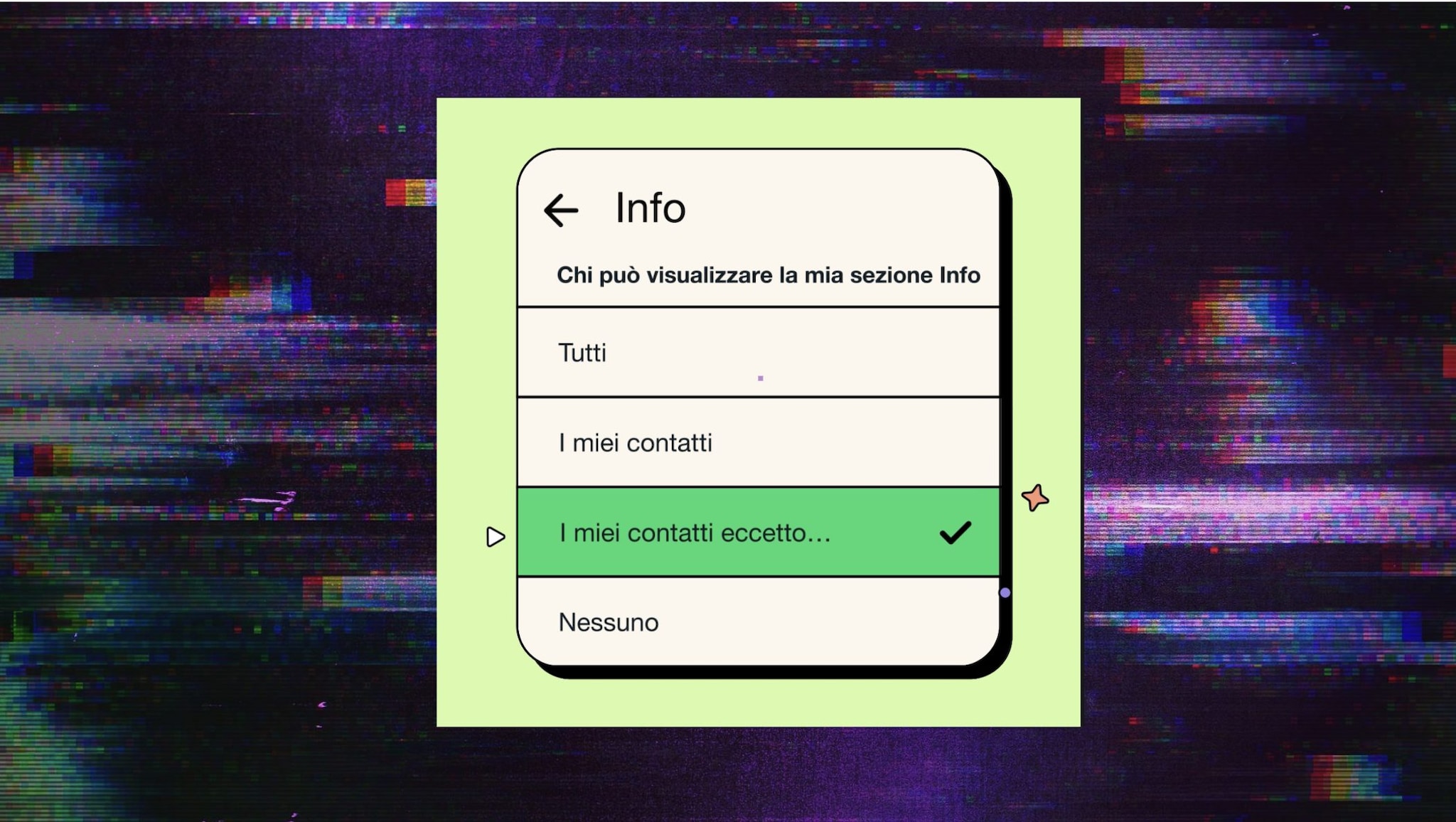
For some time now WhatsApp has started sending direct communications to its users. They don’t reach everyone right away, they don’t reach everyone all the time and sometimes they don’t not even updates. From what we are seeing, however, they are useful communications to learn more about app features. Just watch out for scams: official messages arrive only from the WhatsApp account with the blue tick.
The latest communication received by users concerns the privacy. Specifically, the privacy of Info sectionwhat has become a small biography. A space in which we can compose a text of a few charactersincluding emojis. The Info section can be public: all people who have your number can see it. Or it could be shielded by some level of privacy.
In the communication sent to everyone “Apply the level of privacy you want to your About section” it is explained to all users how to do it. Even from the message there is a direct link to adjust all parameters.
Incognito Mode discovered on WhatsApp: what it is for and how to activate it
- Go up Settings
- Go up Privacy
- At this point you can see the privacy levels of all your settings
- Choose Info
- Select the one you prefer
- If you want to exclude someone go to “My contacts except…”
- From here you can select who you don’t want directly from the address book
Other privacy settings on WhatsApp
Always in the section PrivacyWhatsApp offers users the possibility to also adjust the display of other parameters:
- Last Access
- Image of profile
- State
Here you can also choose the time within which other users can read yours Ephemeral Messages. And you can also activate the option Chat Padlock. It is an option that allows us to screen chats on our smartphone behind a password: in this guide we explain how to activate it.
