We tested Samsung Galaxy S26 Ultra for a month, the smartphone with Samsung’s most advanced features. We leave you our impressions and some of the photos we took.
Wake up, commute, subway. I sit down, full of people. I take my smartphone, open the bank app to check the outcome of a transfer. Normally I would have looked around first. Just to make sure I don’t have someone standing behind me looking at the screen. Not this time. I open the app, the screen switches in Privacy mode and it immediately becomes darker. The Galaxy S26 Ultra is the latest smartphone launched by Samsung. It has officially arrived February 25th and immediately brought something new to hardware: the Privacy Display. There has been a lot of talk about it in recent months. It’s a display that starts from one simple technology and turns it into something more efficient.
In recent years, the privacy films. They are films to be placed on the screen that allow only those who are looking at them perpendicularly to see what appears on the smartphone. In practice, only those who use the phone can see what they are doing. However, those who are around will only see a black screen. However, these films have two problems. The first is that they are permanent: they cannot be detached and attached, once removed you have to buy another one. The second is that they lower the brightness of the smartphone. Even a lot.
Privacy Display is based on a completely different technology. The pixels on your screen are divided into two types. There are the Wide Pixelswhich spread light in all directions and then there are the Narrow Pixelswhich instead have a kind of integrated barrier that diffuses the light only frontally. When the Privacy Display is activated, the brightness of the Wide Pixels is lowered and only the Narrow Pixels remain. This lowers the image quality, sure. But at the same time it allows only those who are using the smartphone to see the screen. Not only that. The Privacy Display is possible enable or disable in bulk but it is also possible to program it for each individual app. Just like the bank app. But it can also be used for WhatsApp, for the apps where we store emails, for social media or for any other app.
Samsung launches Galaxy A57 and A37: prices, specifications and performance of the new mid-range smartphones
Samsung Galaxy S26 Ultra | Size and the eternal S Pen
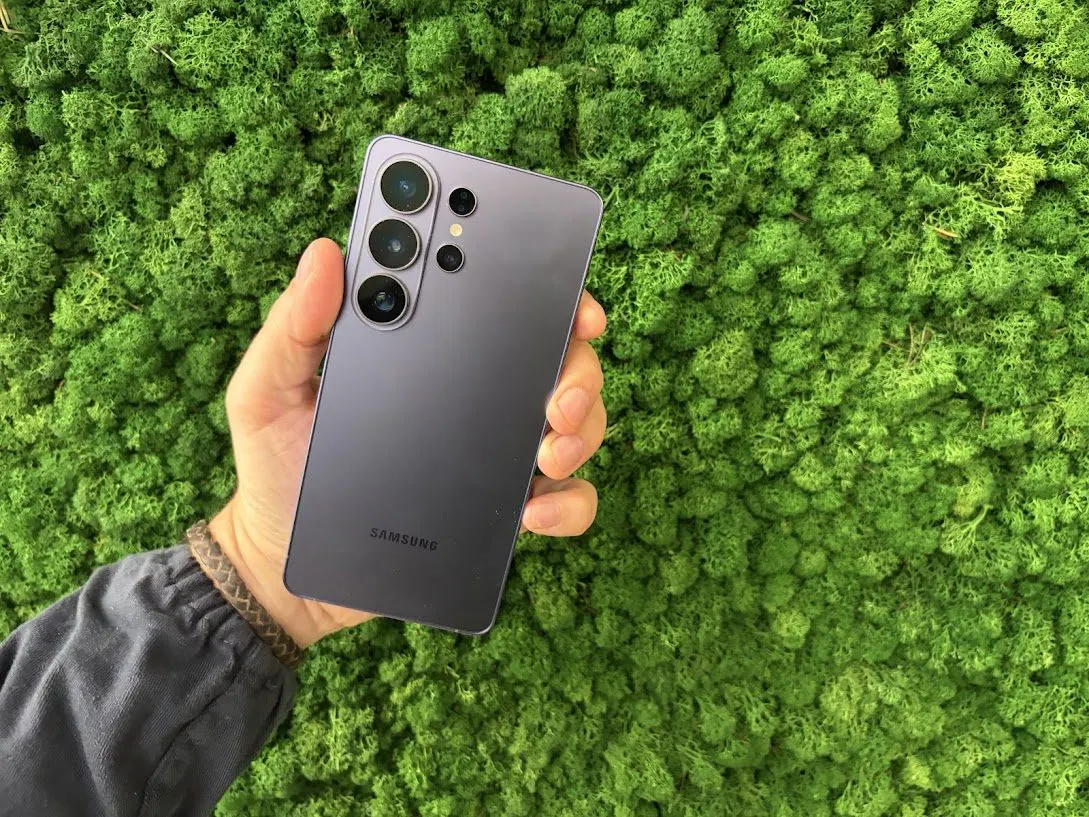
Samsung Galaxy S26 Ultra has a display of 6.9 inches. It is a large size, as has always been with this type of smartphone. The series Ultra it is the heir of the Note series and therefore also retains the larger dimensions and above all the S Penthe stylus that can be inserted and removed inside the smartphone. In the S26 Ultra the S Pen is a little different. It has a direction in which it must be inserted, previously it entered from all angles, and it does not have Bluetooth, a feature however not widely used according to Samsung data.
The problem is another. In our test we used the S Pen just a couple of timesto draw some sketches and then get help to transform them into a decent drawing with artificial intelligence and to try to underline some PDFs. In short, if you have never used it, it is difficult to get used to using it. If, however, you come from a long history of Notes, or in any case of smartphones with these characteristics, then you will find your stylus practically the same as in previous years.
Samsung worked for reduce the size of its top of the range. We compared it with the previous model. For the first time the Ultra descends under 8 millimetres thick: from 8.2 to 7.9. He also loses 4 gramsreaching 214. The only problem remains the step on which the rear chambers are inserted. It is a choice that forces the user to keep it on the table with the screen facing down. If you turn it around then the device shakes a little too much to use it well.
Samsung Galaxy S26 Ultra | What artificial intelligence can do
Here Samsung has absorbed all the functions of previous models. One of the most interesting changes however concerns editing. Now you can edit images without touching the settings: just enter the natural language promptseven with vowels. It is a function that is not only used to adjust shots, perhaps by adjusting tones or details, but it is also possible to delete or add elements.
Samsung Galaxy S26 Ultra | How are the photographs taken
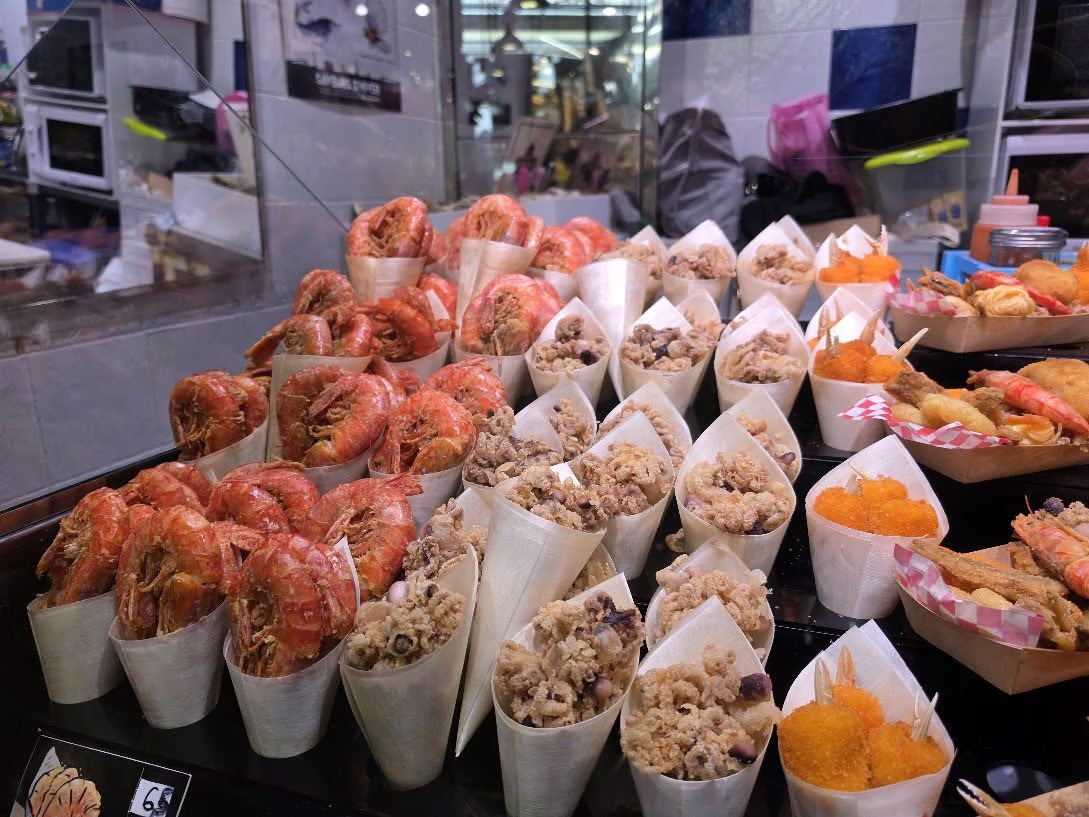
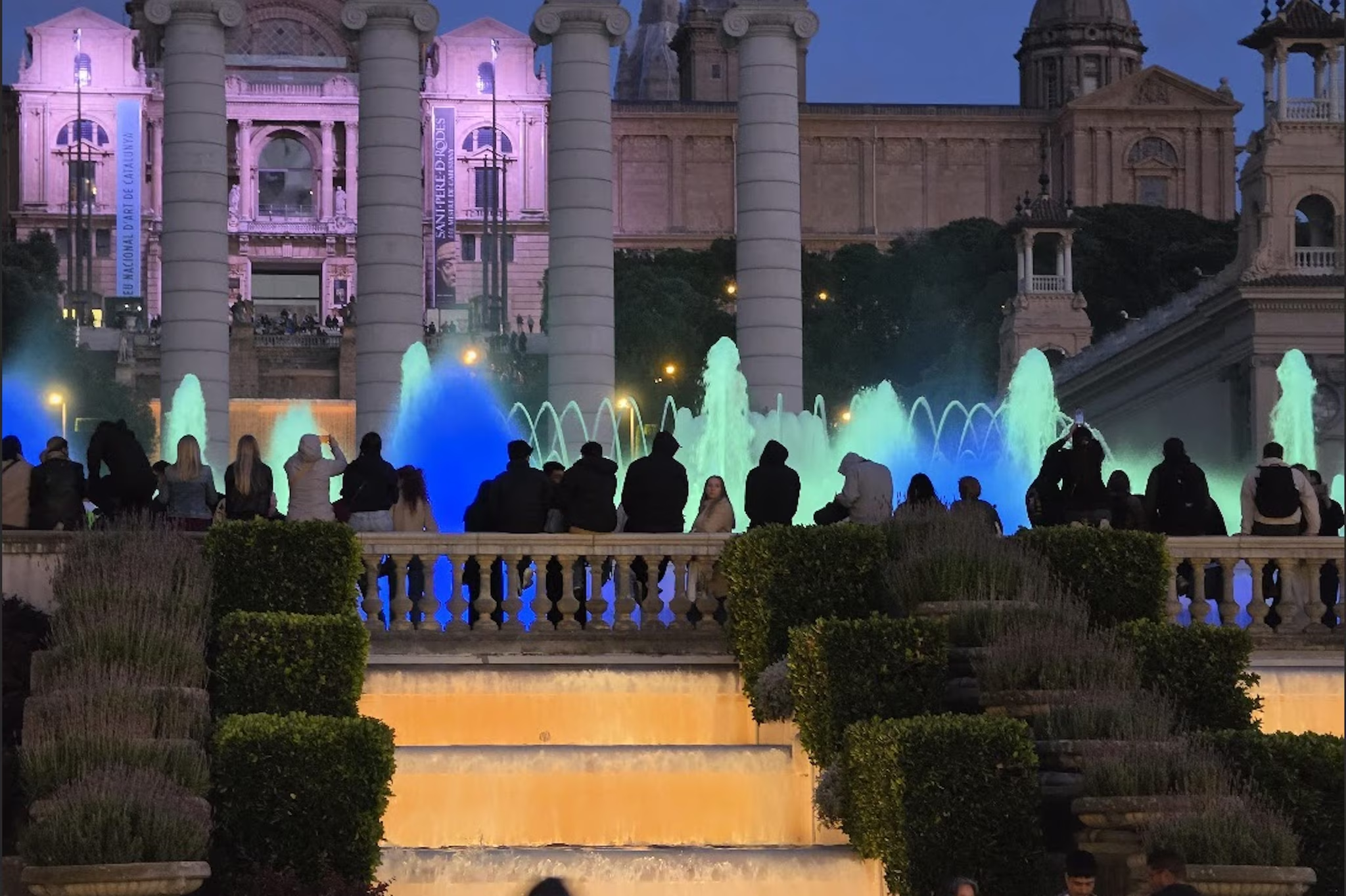
The imaging part of S26 is very advanced. We are talking about a smartphone that has always focused on this component. Below we leave you with some shots taken at different times during a day in Genoa and one in Barcelona. First we’ll tell you what’s changing. The main sensor is from 200MP and introduces a focal aperture F 1.4. In short: more light enters the sensor and it is thus possible to have brighter and more detailed images. The focal aperture also widens for the telephoto lens: it reaches F 2.9with one 5x optical zoomobviously extended digitally, and a definition from 50 MP. Samsung presented the Nightography function which uses these components to shoot better in low light. We’ll let you evaluate the effects.
From a video point of view, however, one of the more interesting functions it is that of horizontal block. When we decide to fix this data, the video manages to remain stable during the oscillations: it works well, we tried with different videos and the images remain practically still. It is a result that Samsung manages to achieve by working not only with AI or by cutting the edges of the image but also playing on gyroscopes. It almost feels like having a camera in your hand already stabilized with a gimbal.