
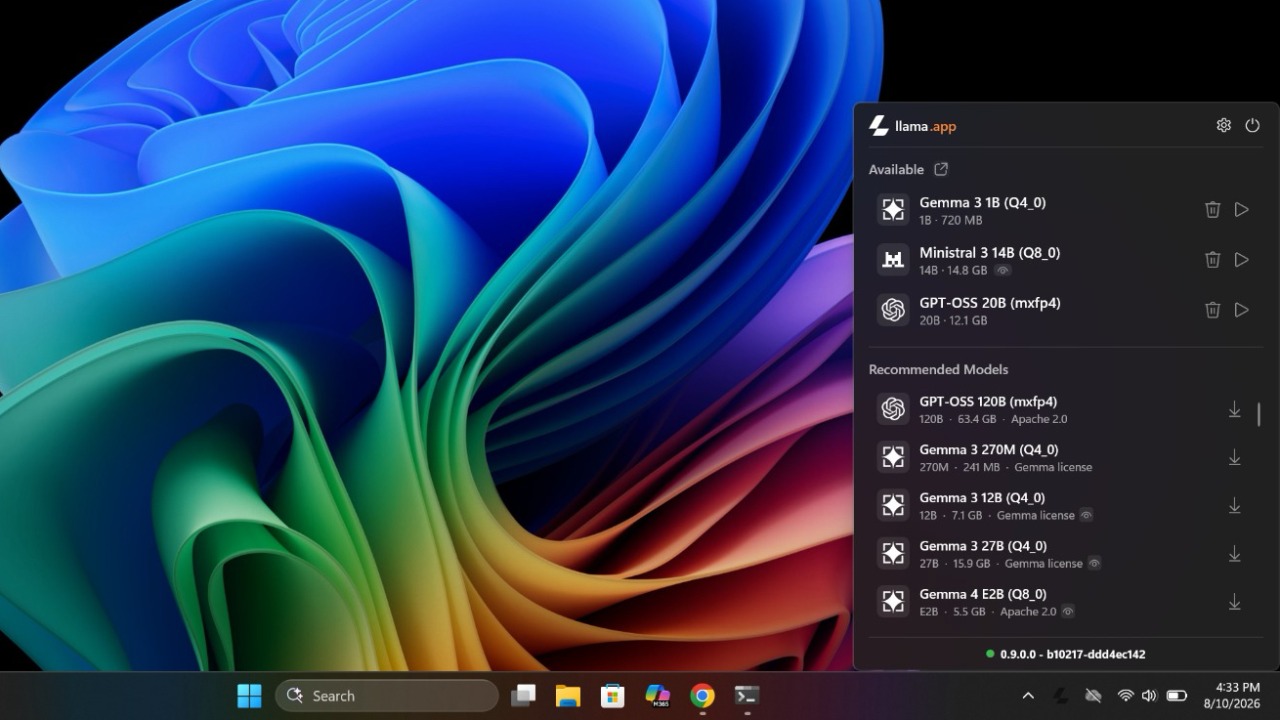
Llama Windows has arrived on Windows 11 to make it easier to use AI models locally, from download to conversation. Hugging Face and the llama.app project present an application accessible from the notification area, with integrated chat and the ability to make templates available to other programs. The goal is to reduce the steps needed to get started, even for those who are not familiar with these tools.
Operation starts from the choice of template to download. The interface allows you to search for it, start the transfer and, once completed, use it by entering requests in the chat. It is a setting already proposed by tools such as LM Studio: the point of interest here is access to functions through a utility that remains in the notification area, without imposing a window that is always open on the desktop.
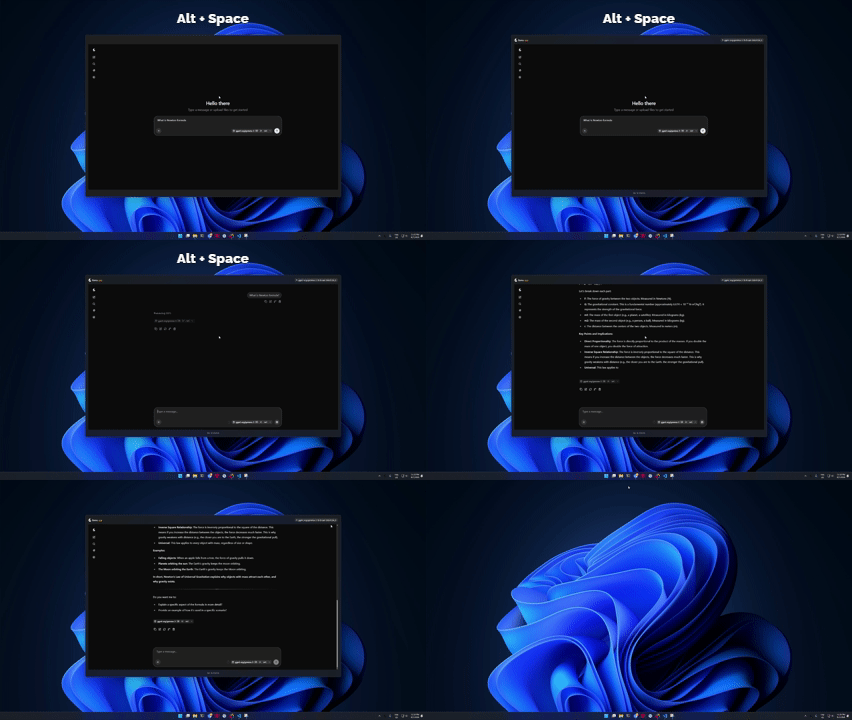
Daily management also passes through the keyboard. Alt+Space recalls the conversation, while Esc hides it; Automatic start when the computer is turned on also appears among the settings. For those who frequently consult an assistant during work, the practical advantage is being able to open the chat when needed and immediately return to the previous application.
The technical basis is WinUI 3the Microsoft framework used for the native interface. The official project documentation identifies Llama Windows as an adaptation of the Mac app and confirms the use of llama.cpp to run models. The application can use an executable already present or download it, thus also taking care of the availability of the engine necessary for inference.
Chat is only part of the project
Integration with other software expands the program’s usefulness beyond exchanging messages. Downloaded models can also serve editing applications and clients for AI agents: Llama Windows handles local execution, while the linked program provides the interface with which the user works. For those who use multiple tools, this possibility matters at least as much as the speed with which the chat opens.
Below the interface, the app manages a process llama serves and communicates with it through REST API. Template files reside in Hugging Face’s standard cache, shared with llama.cpp and other compatible tools. It is therefore not necessary to create a separate archive for each application that uses that same cache, a useful detail when managing multiple models on the computer.
On the privacy front, the developers declare absence of telemetry and permanence of prompting and inference on the PC. The software still makes requests to download templates and check for updates. The local character therefore concerns the processing of requests, without eliminating the network operations necessary to obtain and maintain the components used.
The simplicity of the interface alone is not enough to demonstrate low consumption or reliable responses. The desire to limit the impact on the system is an objective of the project, while the results generated still require verification. The comparison with ChatGPT, Claude, Gemini and Copilot should also be read in these terms: having a chat on the PC offers an alternative way of accessing the AI, but does not demonstrate equivalence in capabilities.
For installation, the repository distributes a package .msixbundle for x64 and ARM64which can be started with a double click. The path of use remains essential: install the app, choose the model, complete the download and open the conversation.