
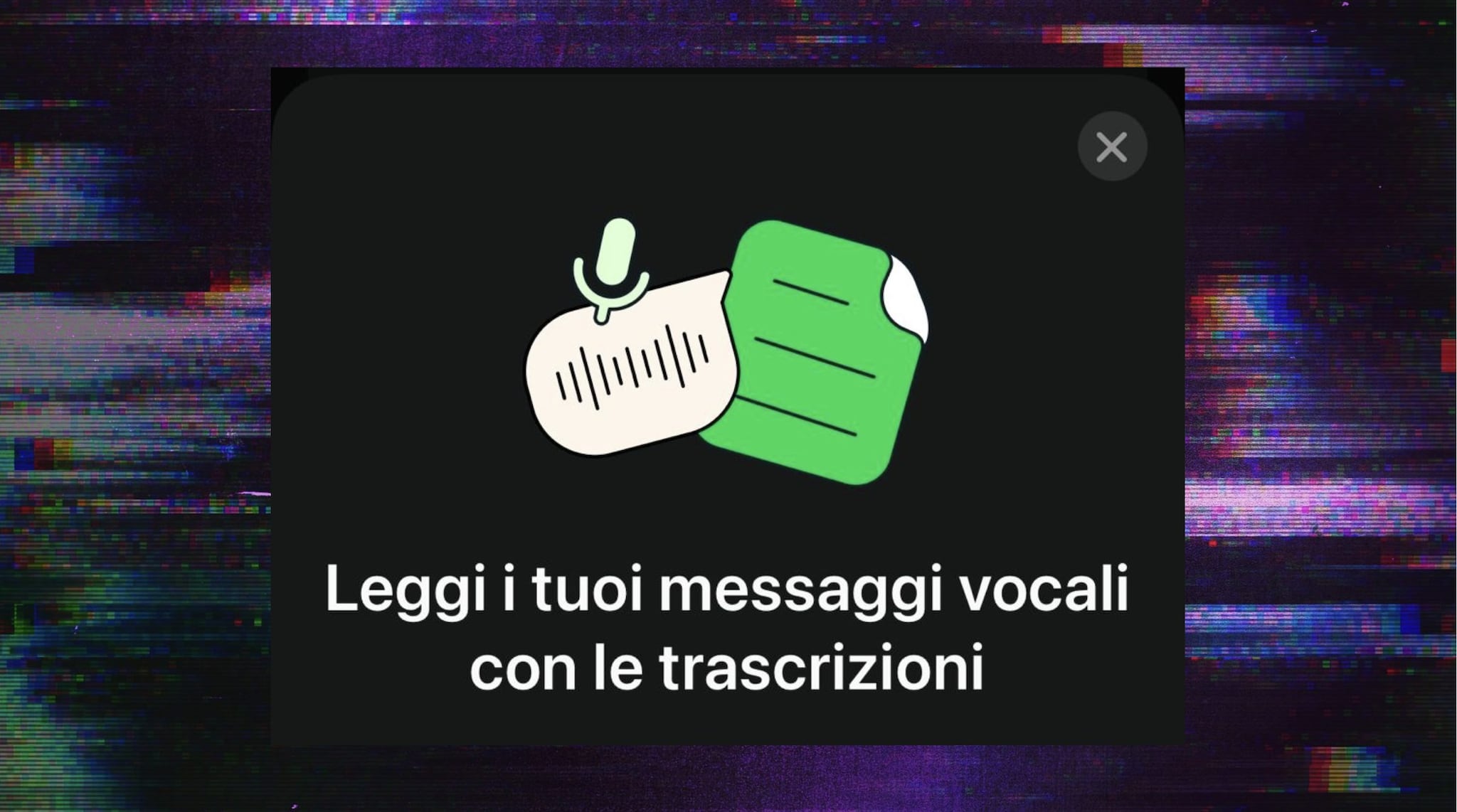
The latest version of WhatsApp allows you to transcribe voice messages into Italian. The function is optimized very well. It translates all the speech, gets the punctuation right and the text lights up as the audio of the message scrolls. Activating it is simple: you just need an updated version of the app.
WhatsApp has started rolling out one of the most anticipated features in its recent history. From today it will be possible to access the transcription of voice messages. The new function was announced in recent weeks but only in recent days distribution began. The process is very simple, we will explain how to do it.
The problem, we know, is always the same. Voice messages are convenient to sendthere is no need to use the phone keypad and you can send them whenever you have them hands busy. There is a problem though: who often receives them he doesn’t always have time to listen to themespecially when faced with small podcasts that are several minutes long.
How to activate the Voice Message Transcription function
At the moment the function Transcription of Voice Messages it is definitely active for iPhone. The service should also be available on Android. The announcement on the platform’s blog was made on November 21st, so we are within the normal timescales of any roll out. Obviously check that your smartphone does not fall within the models that are no longer supported by WhatsApp.
WhatsApp will stop working on 19 smartphone models from January 2025: here’s which ones
To activate the Transcription of Voice Messages just follow these steps:
- Update the WhatsApp app
- Open Settings
- Open Chat
- Turn on “Voice Message Transcription”
- Choose the language in which you usually receive voice messages
At this point when a voice message arrives that you don’t want to listen to you will just have to press and hold the message and choose the Transcribe option. We did some tests: the transcription is practically perfect. He even gets the punctuation right. The vowel can be transcribed without opening it, but if you want to hear it anyway then you will see all the words pronounced in audio matching.
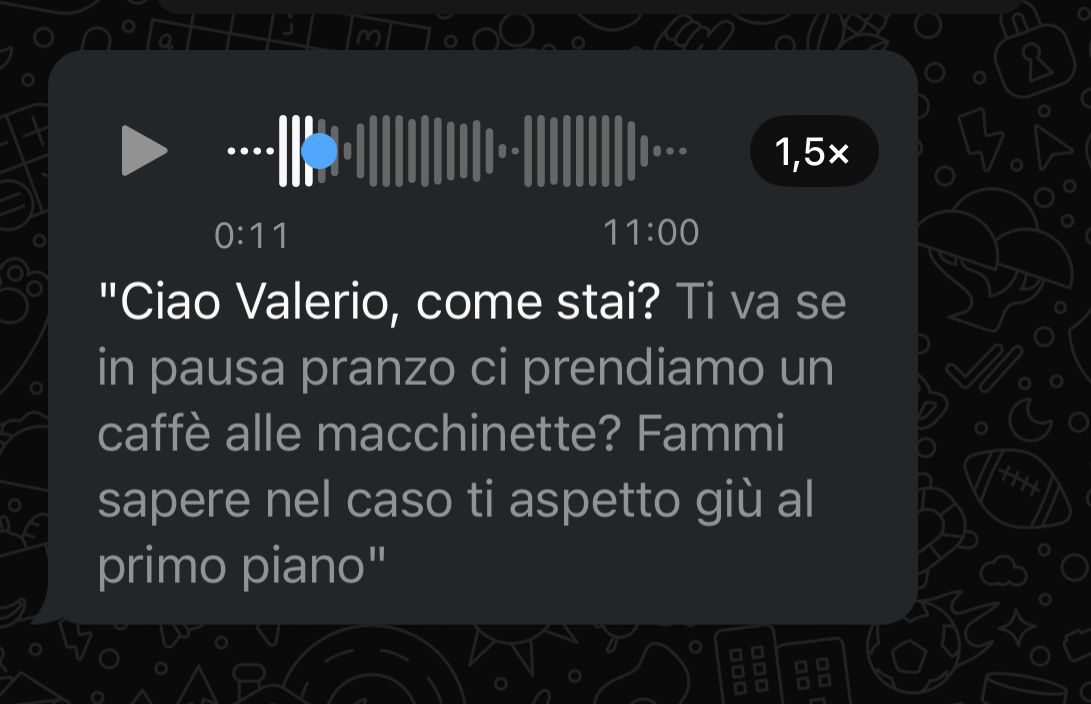
WHATSAPP | Our test for transcribing voice messages
