
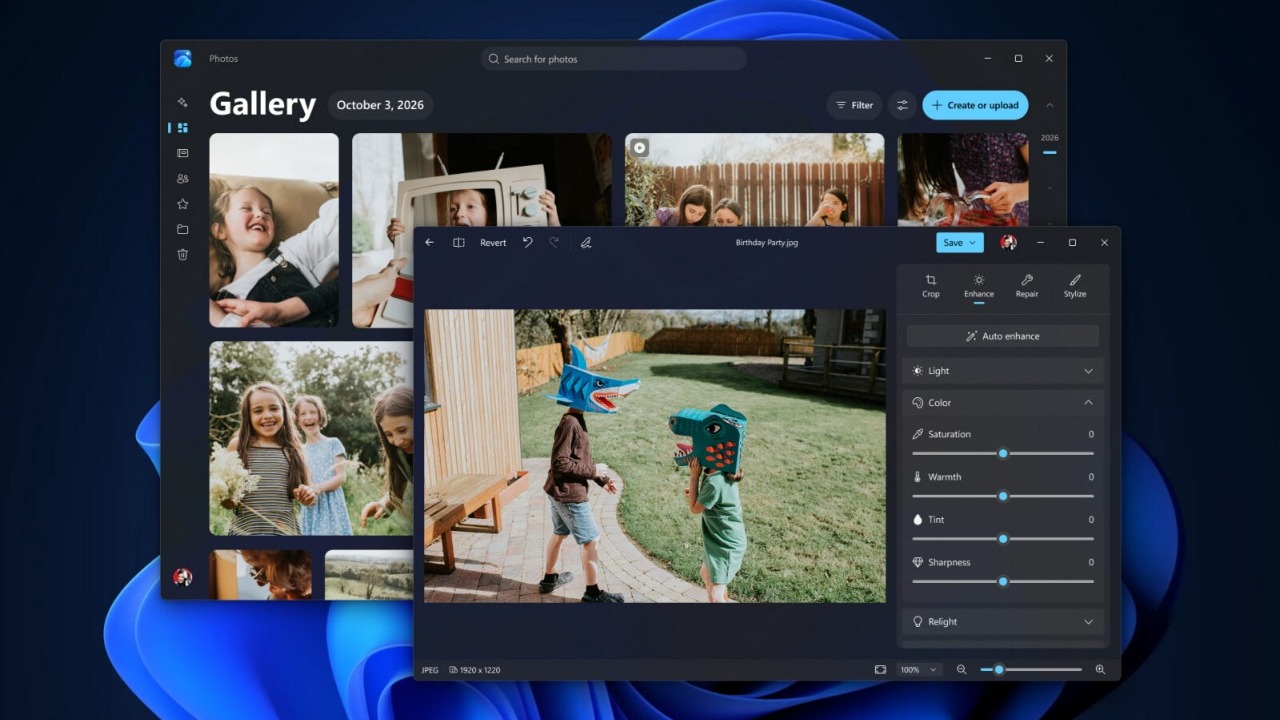
The Photos app for Windows 11 revamps gallery, editor and viewer, with natural language search tools, HDR image tweaks and performance tweaks. Microsoft began rolling out to Windows Insiders on October 15th and has indicated the extension to all Windows 11 users by the end of 2026.
In its official announcement, Microsoft declares an editor launch 25% faster; for the viewer, the average improvement is 15%with peaks of 30% for HEIC images. This is therefore not a uniform increase for any file or operation.
The measurements compare the new application with Photo version 2026.11060under controlled conditions on Windows 11 devices with x64 and ARM64 architectures. The gallery collects photos and videos on the PC, on OneDrive and on iCloud. For Apple content you need iCloud for Windows, while access to OneDrive is not necessary to consult local or iCloud content. Offline availability concerns files already present on the device, while File Explorer allows you to download those stored in iCloud.
Research accepted natural language descriptionsso as to identify a shot starting from its content rather than the file name. People and filters allow you to narrow the selection based on the people portrayed and the storage location. For local images in the Pictures library, Microsoft also invokes enhanced Windows search, available on supported hardware.
Editor in WinUI 3 and new lighting controls
The editor has been rebuilt with WinUI 3 and divides the tools into four categories: Crop for framing and proportions, Enhance for light and color, Repair for correcting defects and Stylize for creative effects. The same environment serves both images opened from the gallery and those recalled from other locations on the PC, with cropping models dedicated to social networks.
Format support introduces two concrete changes: Photos remains HDR color and contrast while editing and allows you to process and save images HEIC and WebP in the original format. In Repair, object removal works by selecting the area with a stroke or brush. Microsoft credits the updated AI model with better results and faster times, without providing specific measures.
Relightin the Enhance section, extends availability to all Windows 11 devices. Allows you to place up to three light sourceschoose their color and set a point towards which they will automatically orient them. The brightness and intensity controls complement the preset settings, including the one to recreate the golden hour lighting.
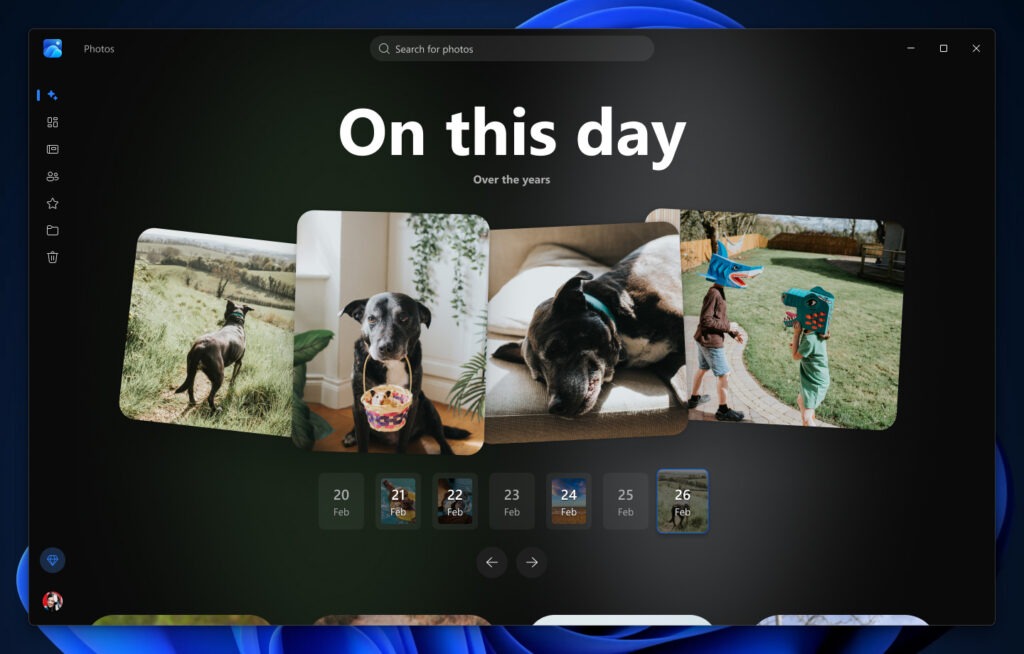
The viewer expands file support to include SVGimproves HDR rendering and allows you to switch between images with the arrow keys. The information panel collects camera, histogram, visual search and map data, when the file contains location information. Opening from File Explorer, printing, editing and sharing complete access to the main operations.
For collections on OneDriveMoments groups shots by theme and generates automatic seasonal summaries. These selections become slideshows to watch, share, or save as videos. Album and Favorites instead offer manual organization, without entrusting the system with the choice of images to collect.