
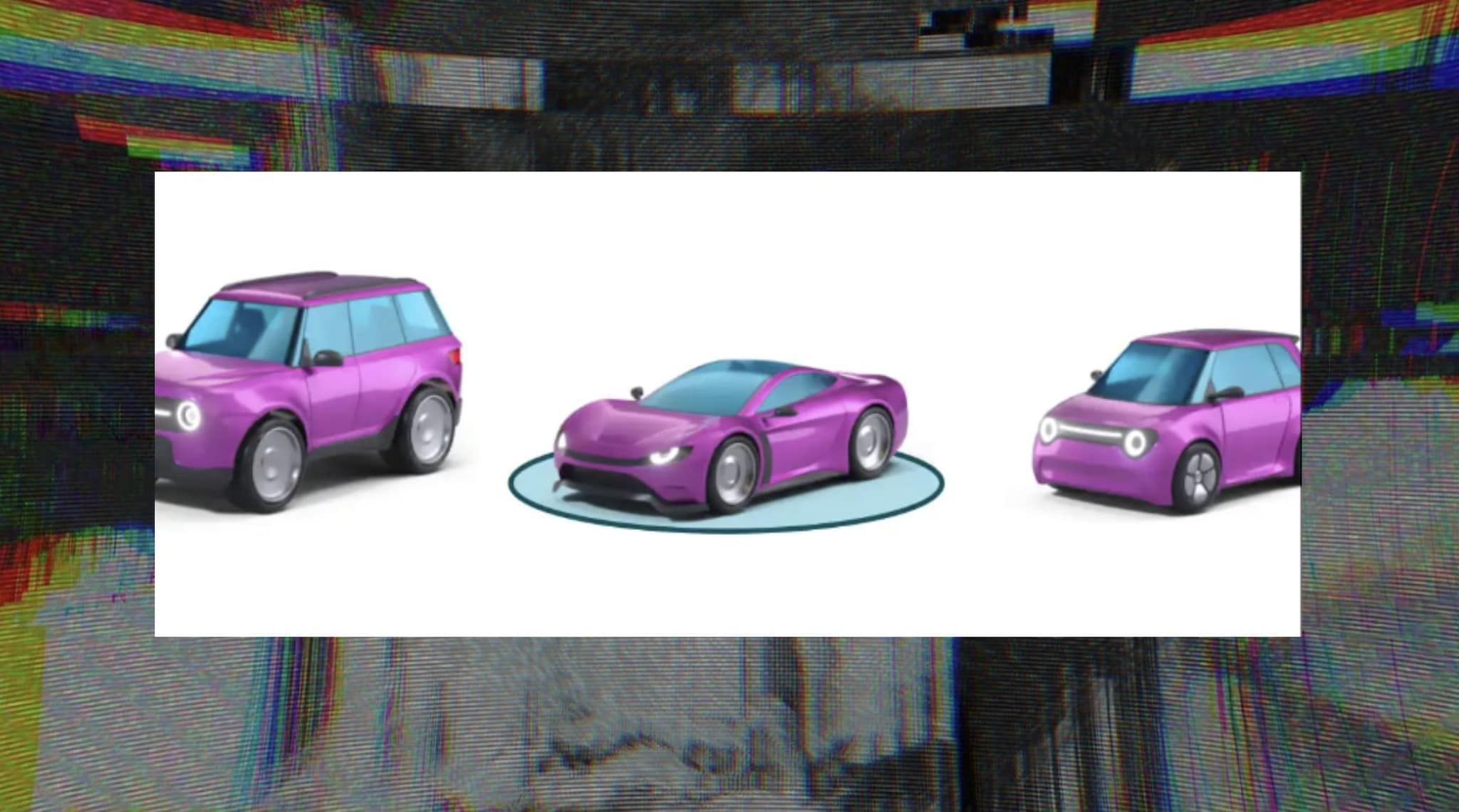
Google Maps has released a new beta update for the Android operating system. For the first time from 2020 it will be possible to customize the icon of the vehicle chosen for navigation: in addition to the classic ones you can also choose more elaborate models.
Google Maps has launched a series updates in beta that allow you to change the appearance of the navigator. We know, among the thousand launches based on artificial intelligence the addition of a graphic element It is not exactly the most important news of the week. Last but not least the distribution of Gemini on Google Workspace. Yet we are talking about a small customization For one of the tools we use every day.
In the version Beta 25.06x Released for Android, it will be able to open a series of options that increase the possibility of customization of the app. The news was launched by 9to5google, one of the blogs that deal with monitoring the Movements in the codes of the products issued by Google. According to the authors of the blog this is the first change in customization from 2020when users could choose between three cars models: red sedan, yellow SUV or green pick up.
How the new Google Maps options will work
From the screenshots that have been leaked up to now we see that the Customization options They are of two types. In the new version of Maps you can choose the vehicle model and then select for each model a color. Among the vehicle models are both those now known to users, including the base with blue arrowthat others more elaborate. The greatest number of details of the alternative models should not affect the operation of the appthe size is also practically the same.
Google Maps can report speed cameras: makeup to activate the notification and see them
Once it will be released for everyone the New version of Google Maps The steps to access the customization of the vehicle icon are the same as you have to follow now. Start navigation towards a point of the map and then touched on the vehicle or on the blue arrow icon. At this point seven the vehicle you prefer.
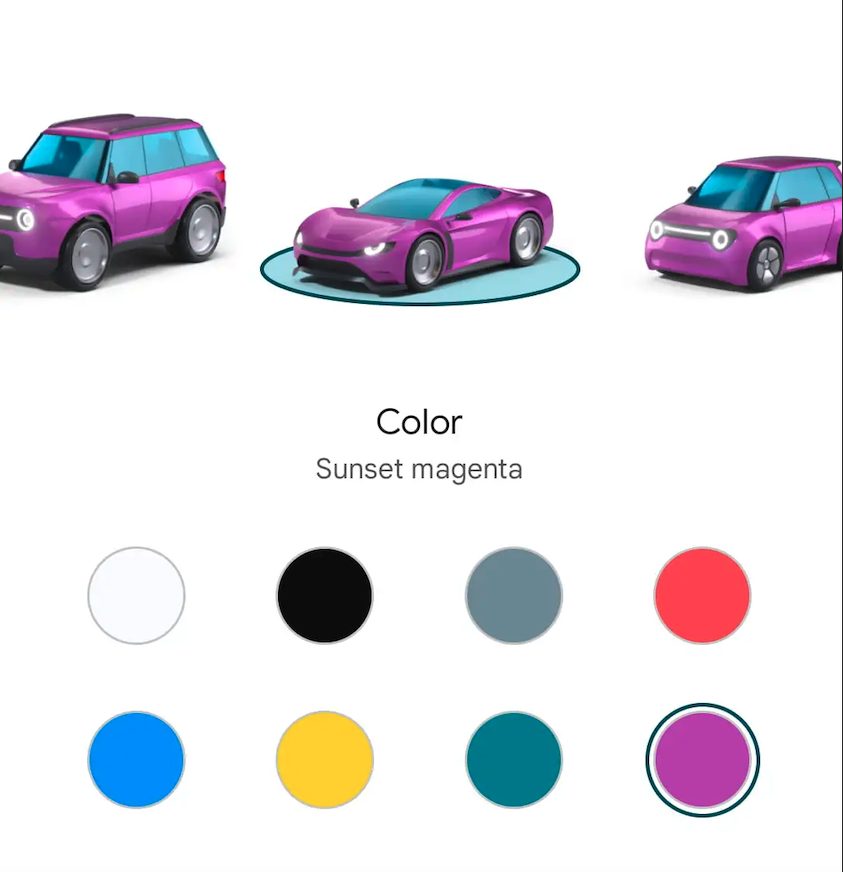
Google Maps | Screenshots on new personalizations released by 9to5 Google
