TCL Note A1 NXTPAPER tries to answer a question that many people ask about e-ink readers with pens: do you really need electronic ink to write by hand and read without tiring your eyes? TCL’s answer is a tablet with an 11.5-inch LCD panel, matte treatment, refresh up to 120 Hz and software built around note-taking.
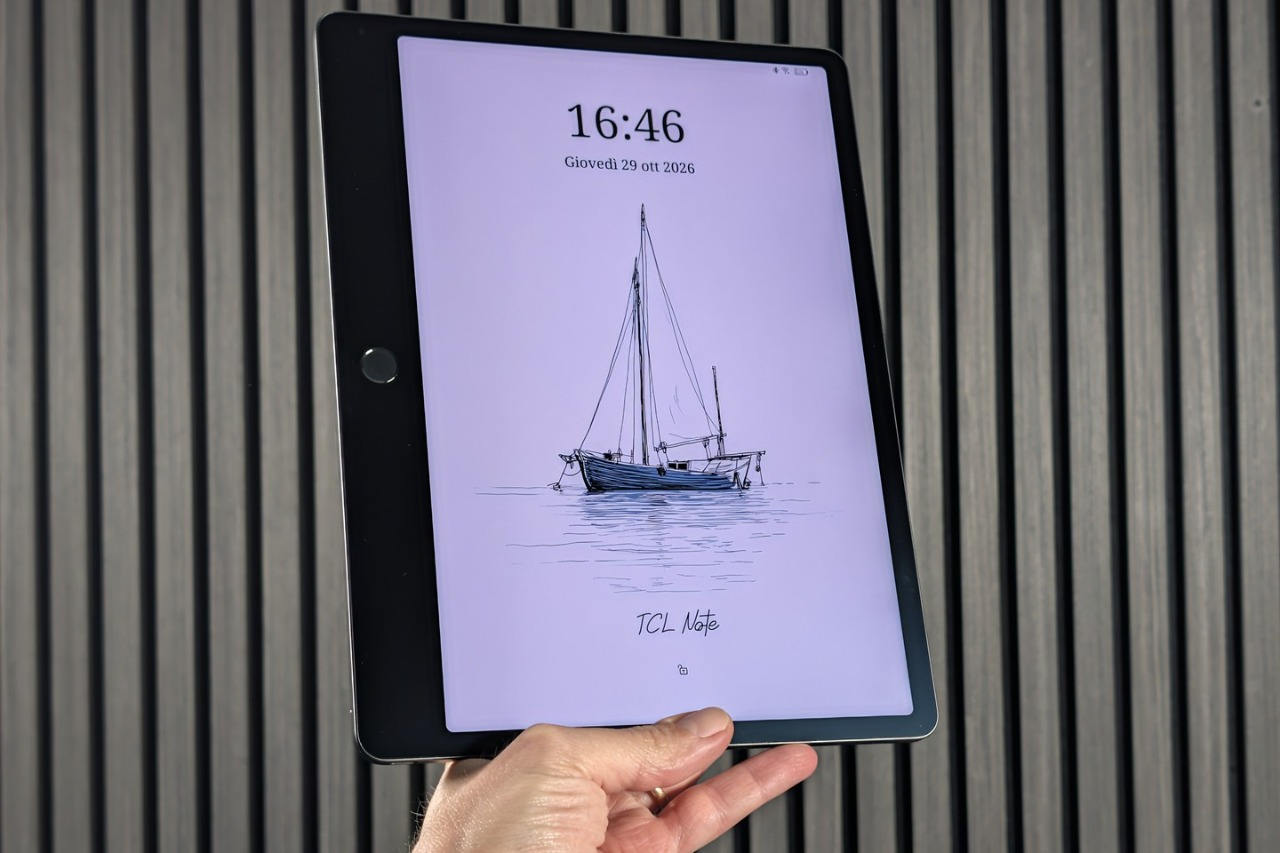
The device arrived in Italy in early 2026 and is halfway between a digital notebook and an Android tablet.
Index: Technical specifications | Design | Display | Writing and Notes App | Recording and artificial intelligence | Software and performance | Camera | Price | Final thoughts
Technical specifications
At the heart of this device is a MediaTek Helio G100supported by 8 GB of RAM and 256 GB of storage. It is mid-range equipment, consistent with a device designed for writing, reading documents, managing mail and recording audio, rather than for gaming or extreme multitasking.
The panel measures 11.5 inches in 3:2 format, with a resolution of 2200 x 1440 pixels (approximately 229 ppi) and adaptive refresh up to 120 Hz. TCL claims 16.7 million colors, a peak brightness of 300 nits and a blue light share of less than 2.44%.
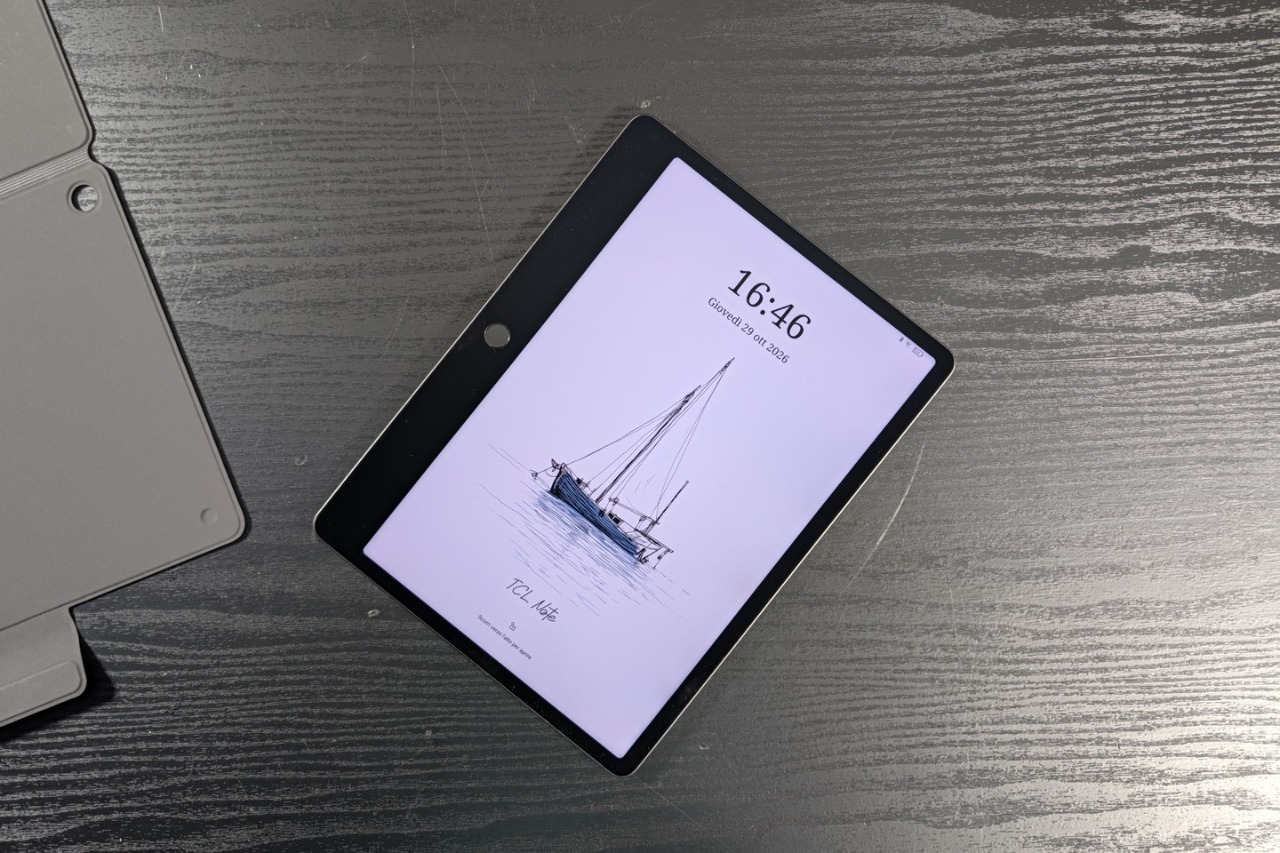
Autonomy is entrusted to a 12V battery 8000mAh with 33W wired charging. The aluminum body measures 260.1 x 196.6 mm, with 5.5 mm thickness and 500 grams of weight. On the audio front there are two speakers and an array of eight microphones, intended for recordings. The equipment is completed with the T-Pen Pro pena 13 megapixel rear camera and two accessories, a flip case – which we had the opportunity to try – and a cover with keyboard.
Design
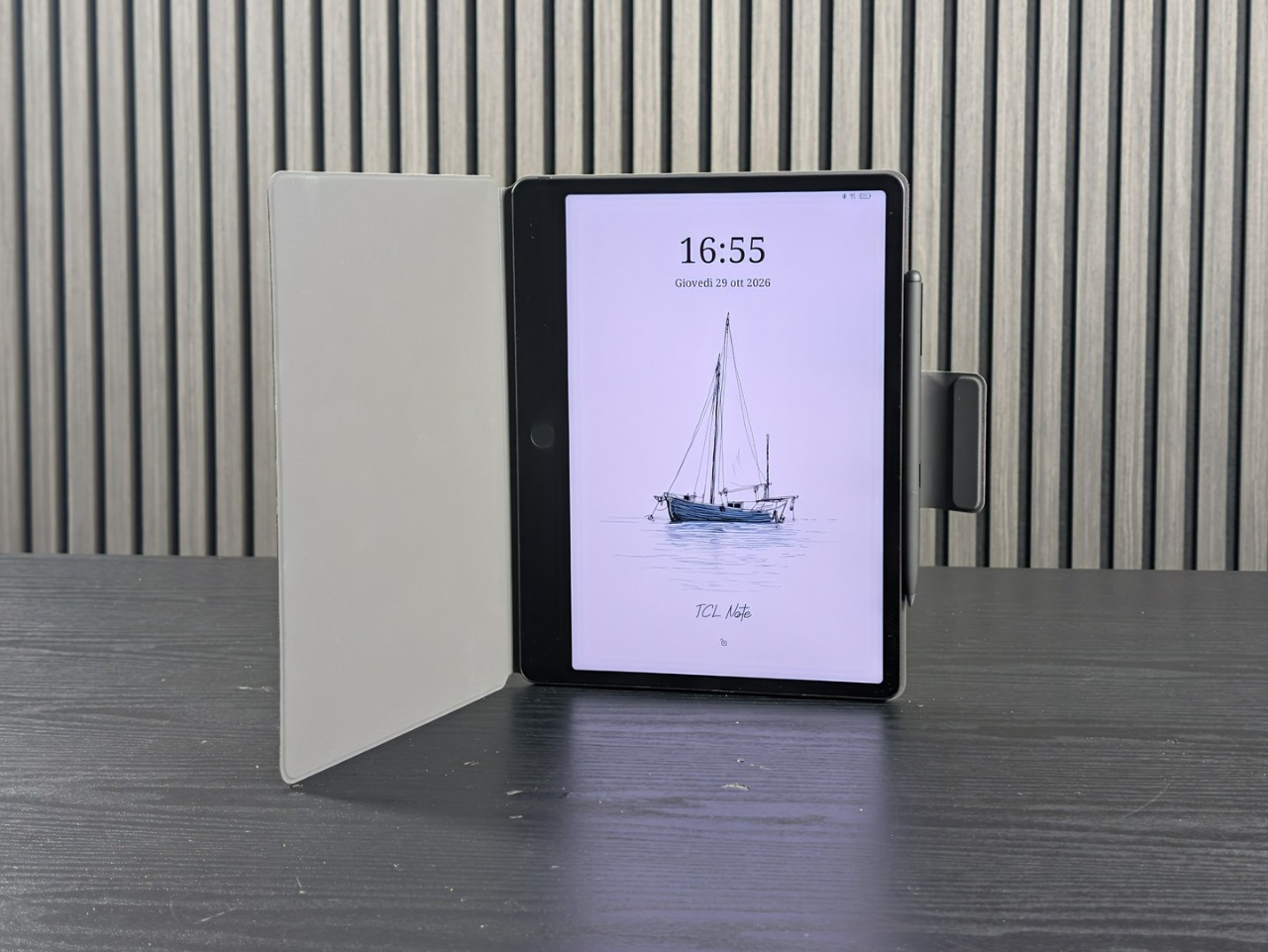
Notes A1 NXTPAPER adopts an aerospace-grade aluminum unibody, according to TCL, with one thickness of 5.5 mm. The 3:2 format recalls that of a notebook and lends itself to vertical use, with the notes page occupying the entire surface of the screen.
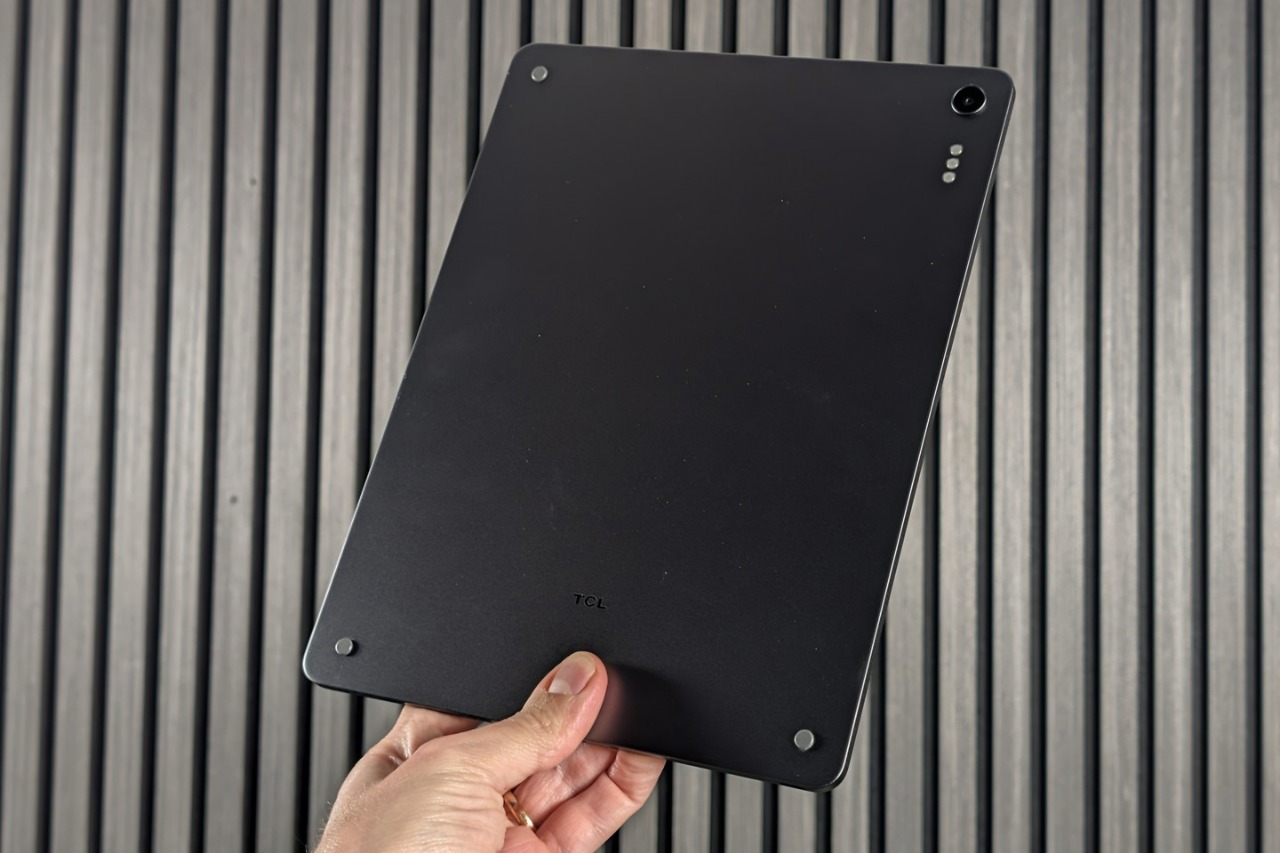
The data to check is the weight. Five hundred grams is a lot to hold the tablet with one hand during a meeting or lesson, especially after having mounted a cover. For an object that lives placed on a table or on your lap it’s an acceptable compromise, but it weighs in comparison with many lighter e-ink readers.
Among the physical elements we find the Genius Key, which is used to select content, add tags and feed the inspiration space without going through the interface. The official accessories are the flip case and the keyboard cover. On the bottom edge, next to the USB-C port, you can see a speaker grill.
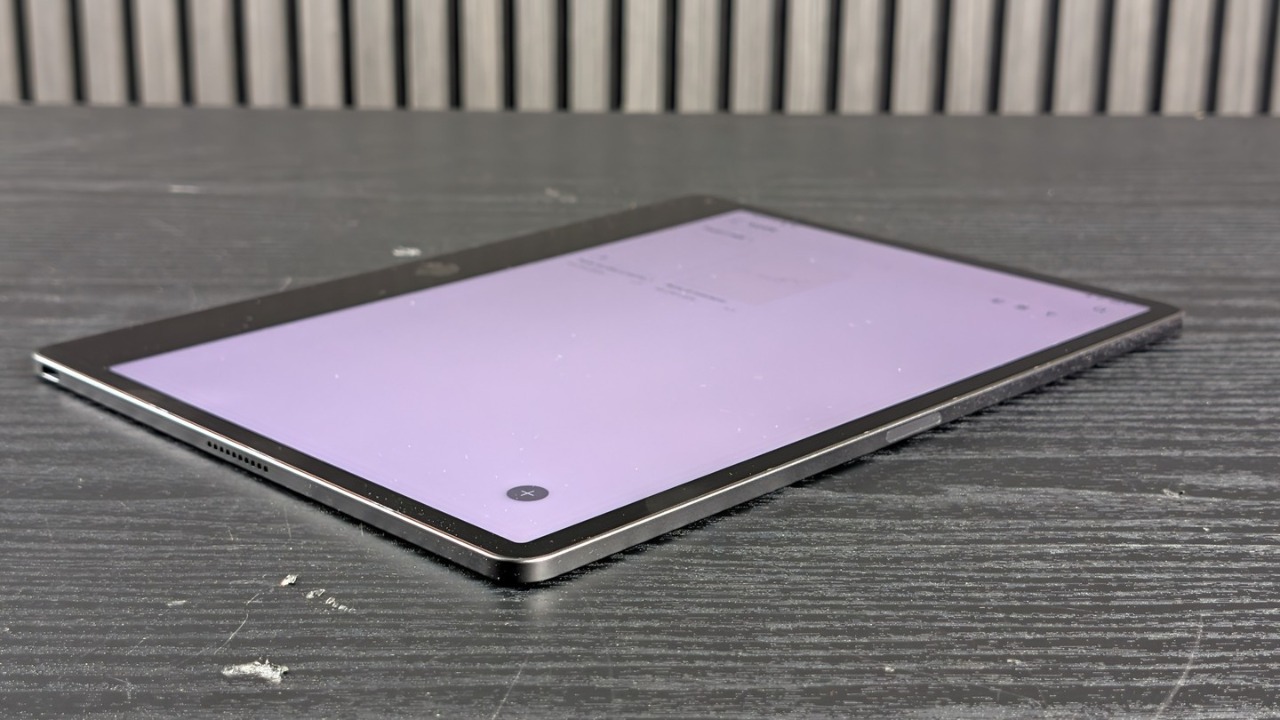
The keyboard cover transforms the tablet into a small computer for writing text, while the flip case protects the screen. In the Italian offers the flip case is already included, and its effect on weight and bulk, already not negligible, will have to be measured.
Display
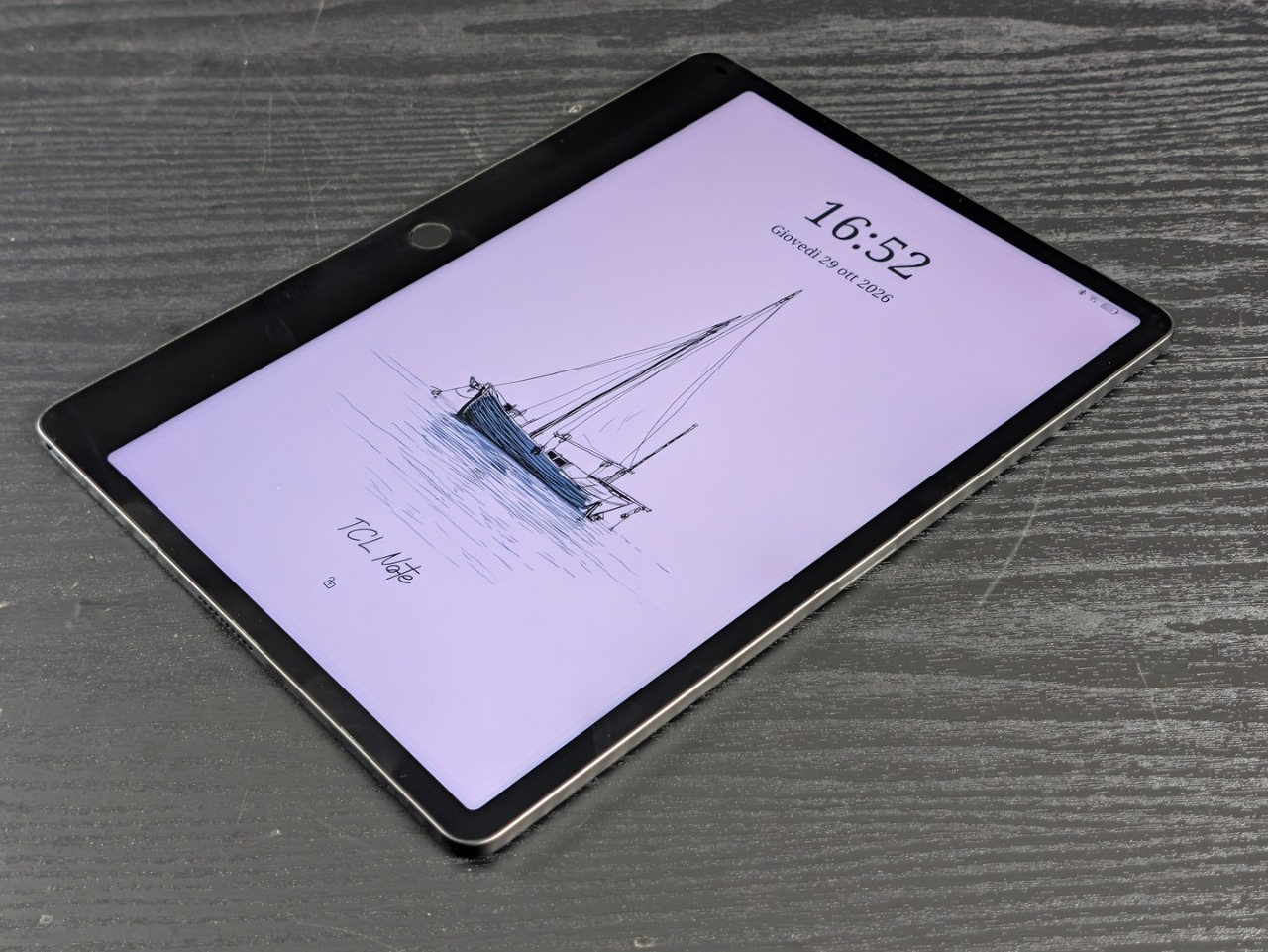
The acronym NXTPAPER indicates a family of LCD screens treated to obtain a matte appearance, and the version Pure mounted on the Note A1 is what TCL describes as closest to paper. It is an LCD with opaque protective glass, not an e-ink: the panel remains backlit, with all that entails in terms of reflections, consumption and behavior in direct sunlight.
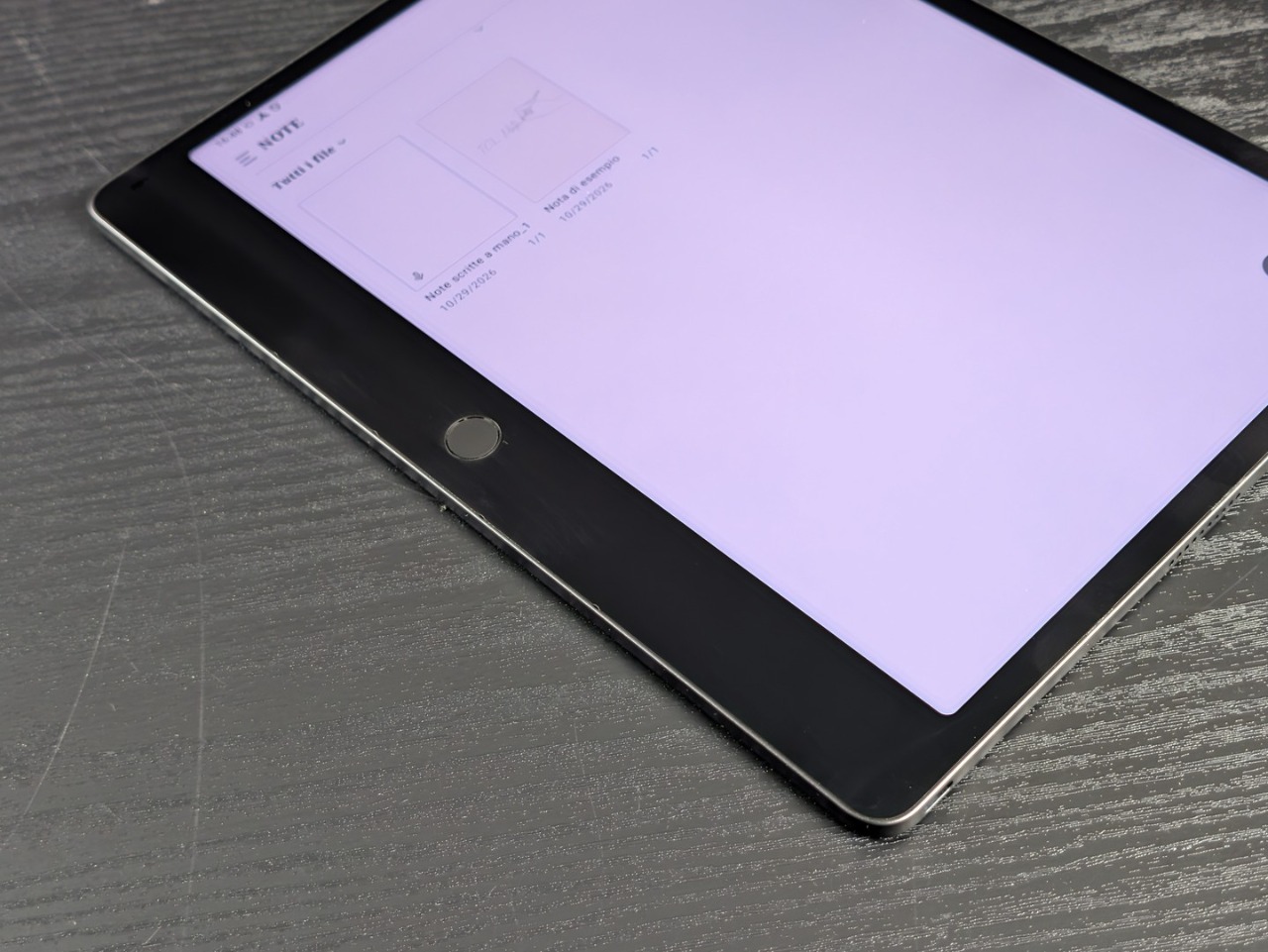
The anti-reflective and anti-fingerprint treatment and the 3A Crystal Shield glass They very effectively reduce reflexes and finger markswhile the TÜV and SGS certifications concern visual comfort and the amount of blue light.
The 3:2 format and a density of around 229 ppi are a good basis for reading PDFs and documents, which require stable layout more than high saturation. Colors are the most delicate issue for a matte panel: the finish diffuses the light and tends to attenuate contrast and brilliance compared to traditional devices, however compared to e-ink, performance with multimedia contents is significantly superior.
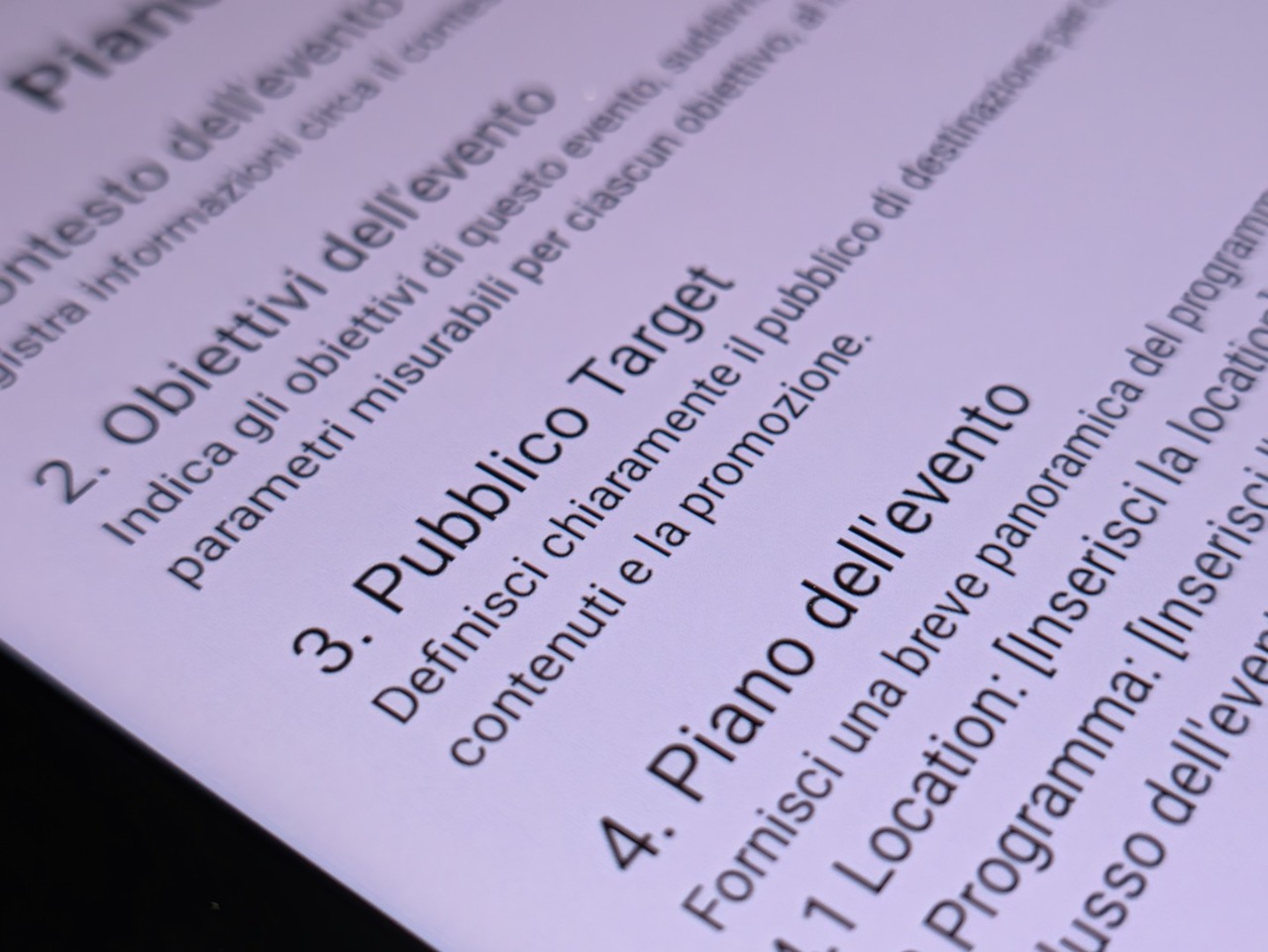
The refresh until 120Hzwhich adapts to the contents, is another of the concrete advantages compared to e-ink: color saturation, absence of ghosting and immediate line response are literally incomparable. The panel is always in color, with 16.7 million shades, even if the 300 nits of peak brightness leave little margin for outdoor use. Under the sun, e-ink clearly has an advantage.
Writing and Notes app
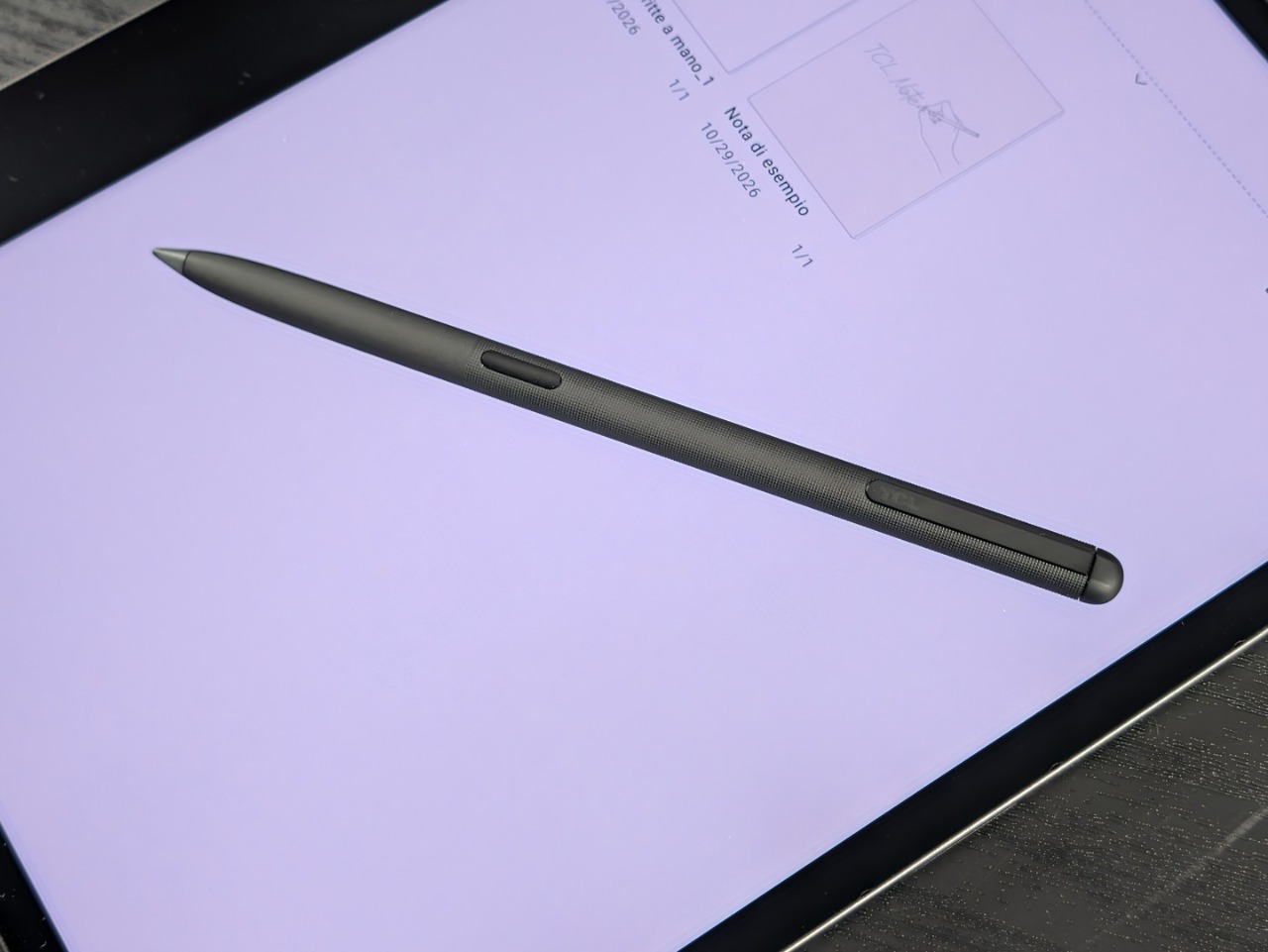
There T-Pen Pro it claims 8192 pressure levels and a latency of less than 5 ms, with Pencil-Like certification from TÜV Rheinland.
Tactile feedback imitates the friction of graphite on paperwhile the other end acts as an eraser: the writing experience is very satisfying for those who love doing it on paper, with minimal perceived latency and an excellent material sensation.
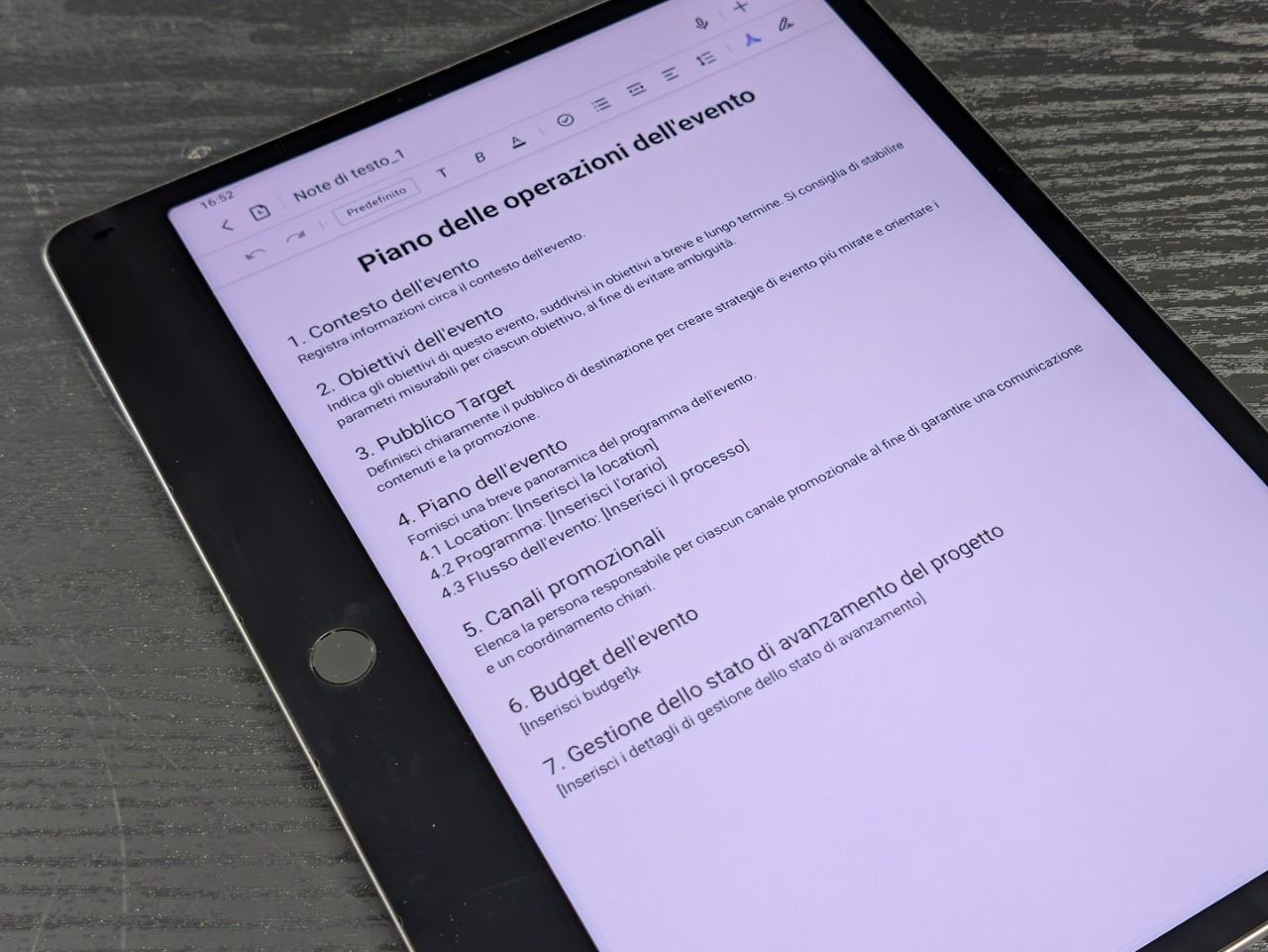
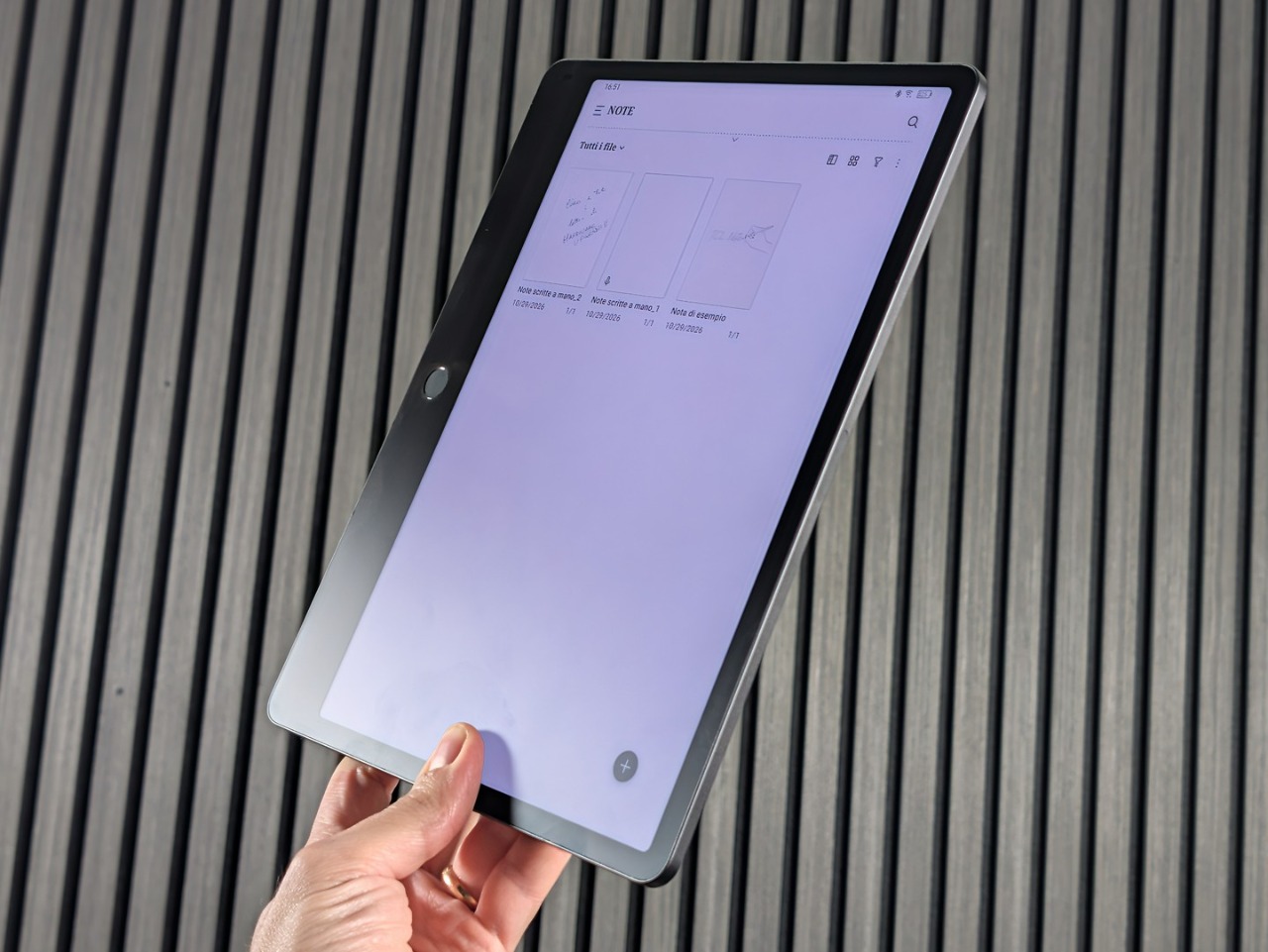
The app Notes is the center of the experience, and offers three types of documents: text notes, handwritten notes, and an infinite free canvas for unstructured notes.
Multi-page notes flip with one finger, zoom with a two-finger pinch, and have a preview for jumping from page to page. Tapping the top left corner switches between blocks, and double tapping the corner marks an important page.
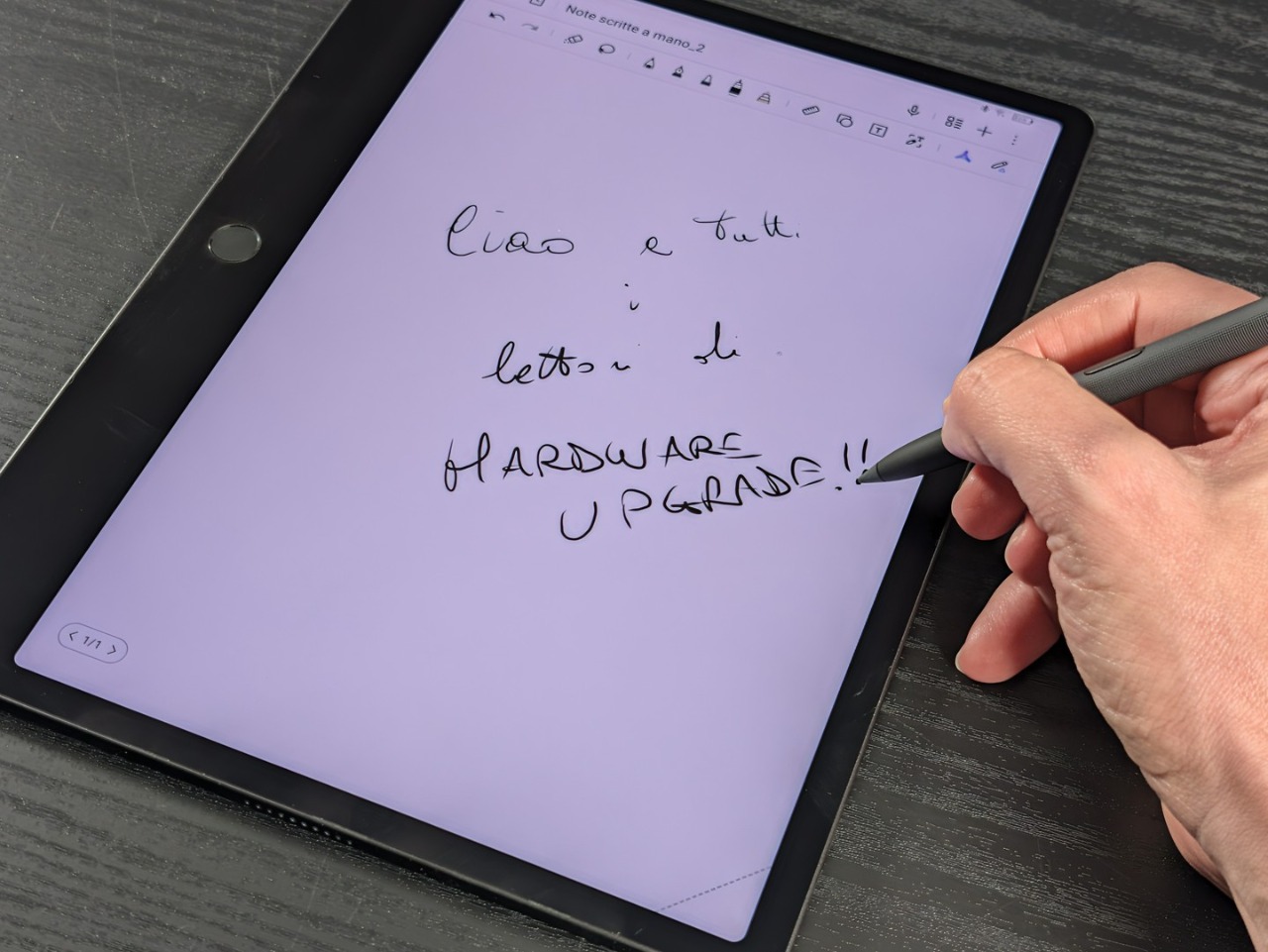
You also choose the texture of the paper, including handmade paper and sketch paper, and the way to browse: horizontal, vertical in pages or continuous scrolling. The templates complete the picture, from the daily agenda to the work reports up to the team objectives (OKR).
There are three intelligent tools: stroke regularization, which transforms freehand drawn shapes into clean figures, recognition of handwritten formulas, with calculation of the result, and the conversion of writing into text with automatic language detection. TCL is also planning an update for the near future that will introduce the handwriting improvement function.
Recording and artificial intelligence
There audio recording it is the second pillar. During a meeting the tablet can transcribe the conversation and generate minutes, with further transcription 10 languages and real-time translation in more than 40. The meeting summary is obtained with one tap. and Italian is among the available languages: you download the language pack and the tablet then transcribes the voice in real time. In our tests the result was very good.
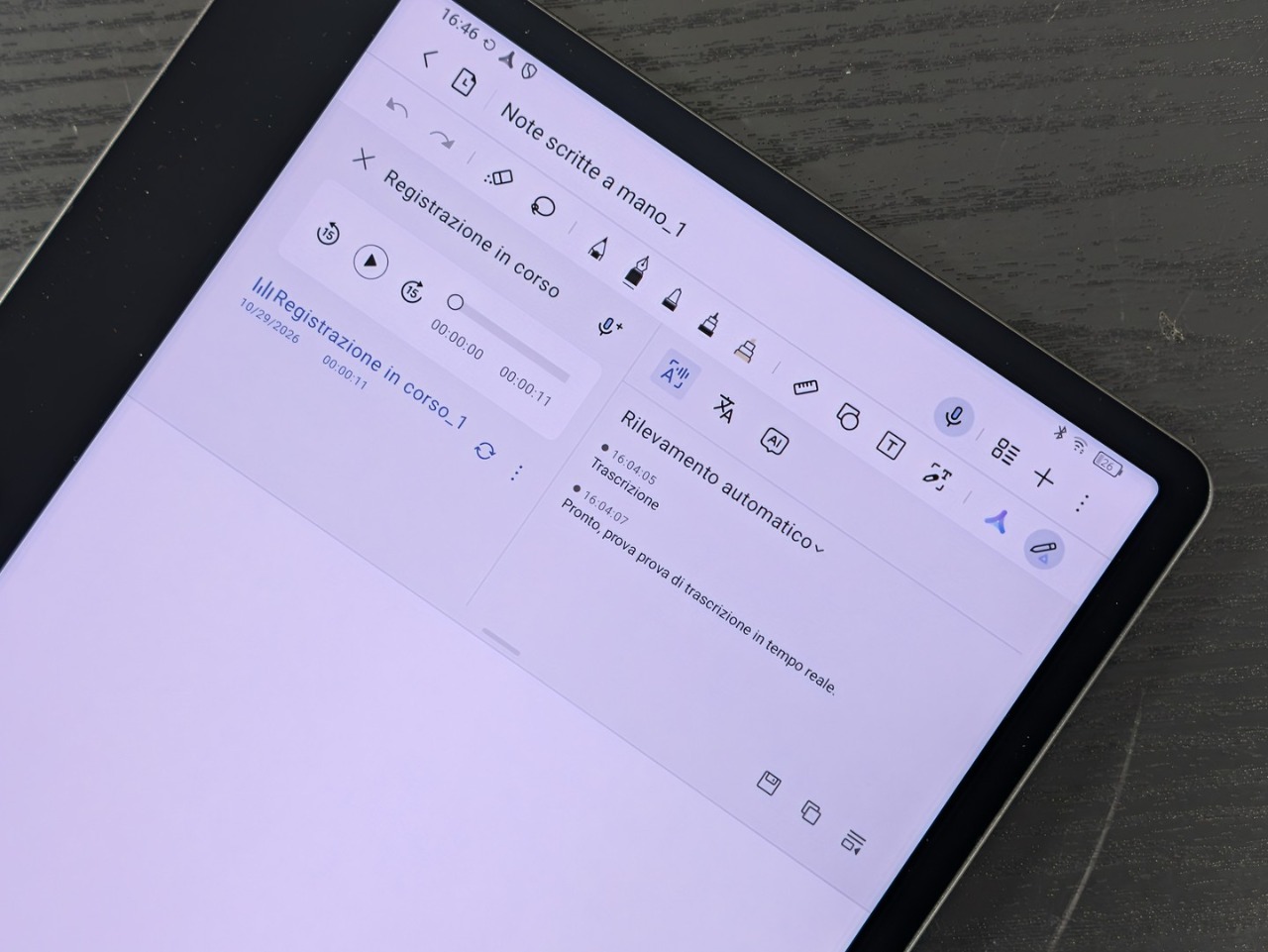
The flow designed by TCL is that of a meeting: you record, you take notes by hand in the same note and at the end of the meeting you leave the summary to the assistant. If the transcription holds up, the advantage over a separate recorder is a nsingle note that contains everything: audio, text and drafts.
The space Inspiration collects clippings, images, recordings and activities to carry out. It is powered by the Genius Key, holding it down to select content, and for each element it retains the link to the original source. Inspiration AI works on top of this archive, an assistant that organizes the saved material.
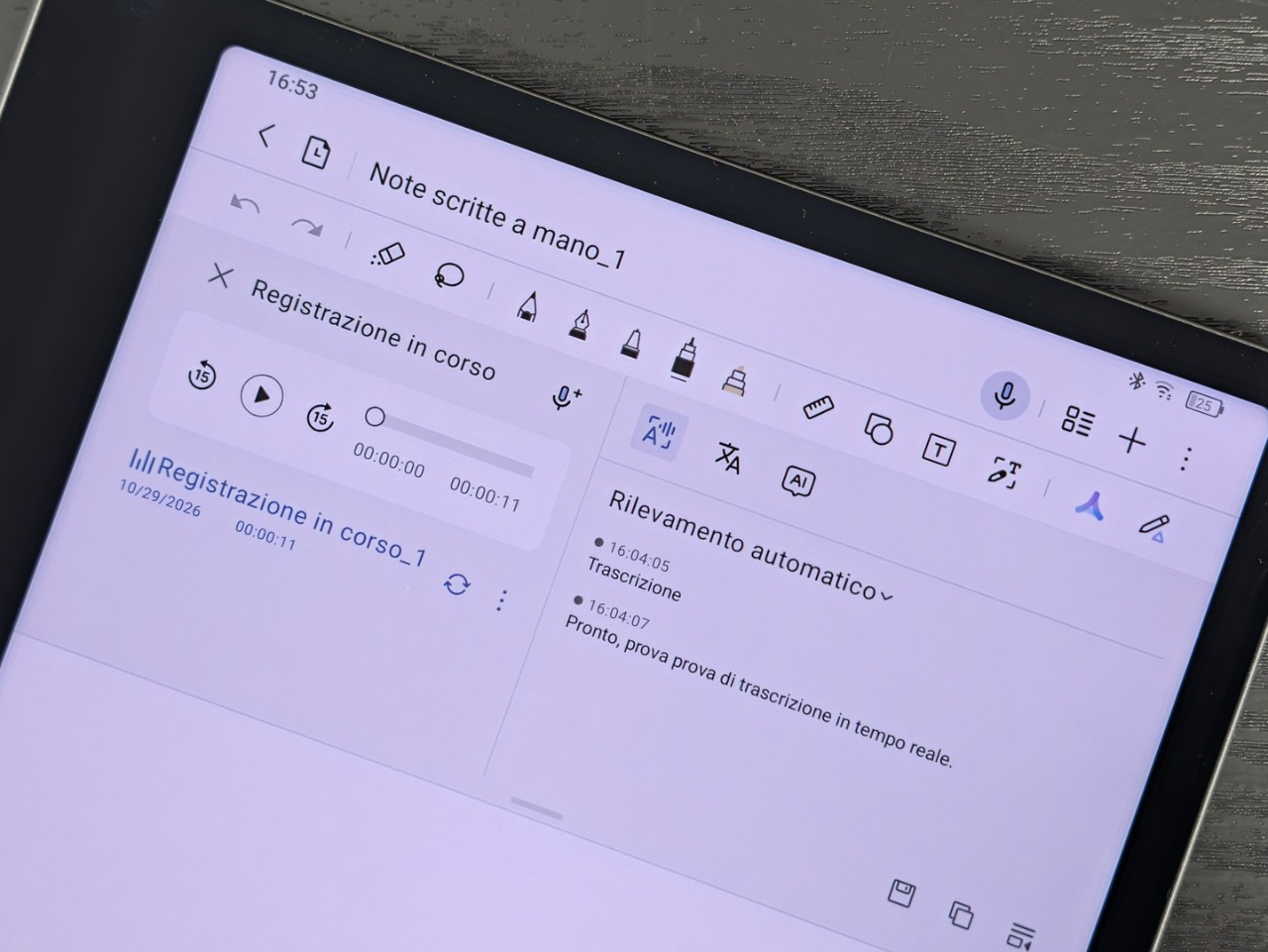
The AI offers four actions: rewriting, writing help, translation and summary, with the ability to choose a more concise, more detailed, more professional or more conversational tone.
Software and performance
Under the tablet’s interface is Android, with the Play Store available to download apps, while the manufacturer also highlights the possibility of installing third-party apps via APK files.
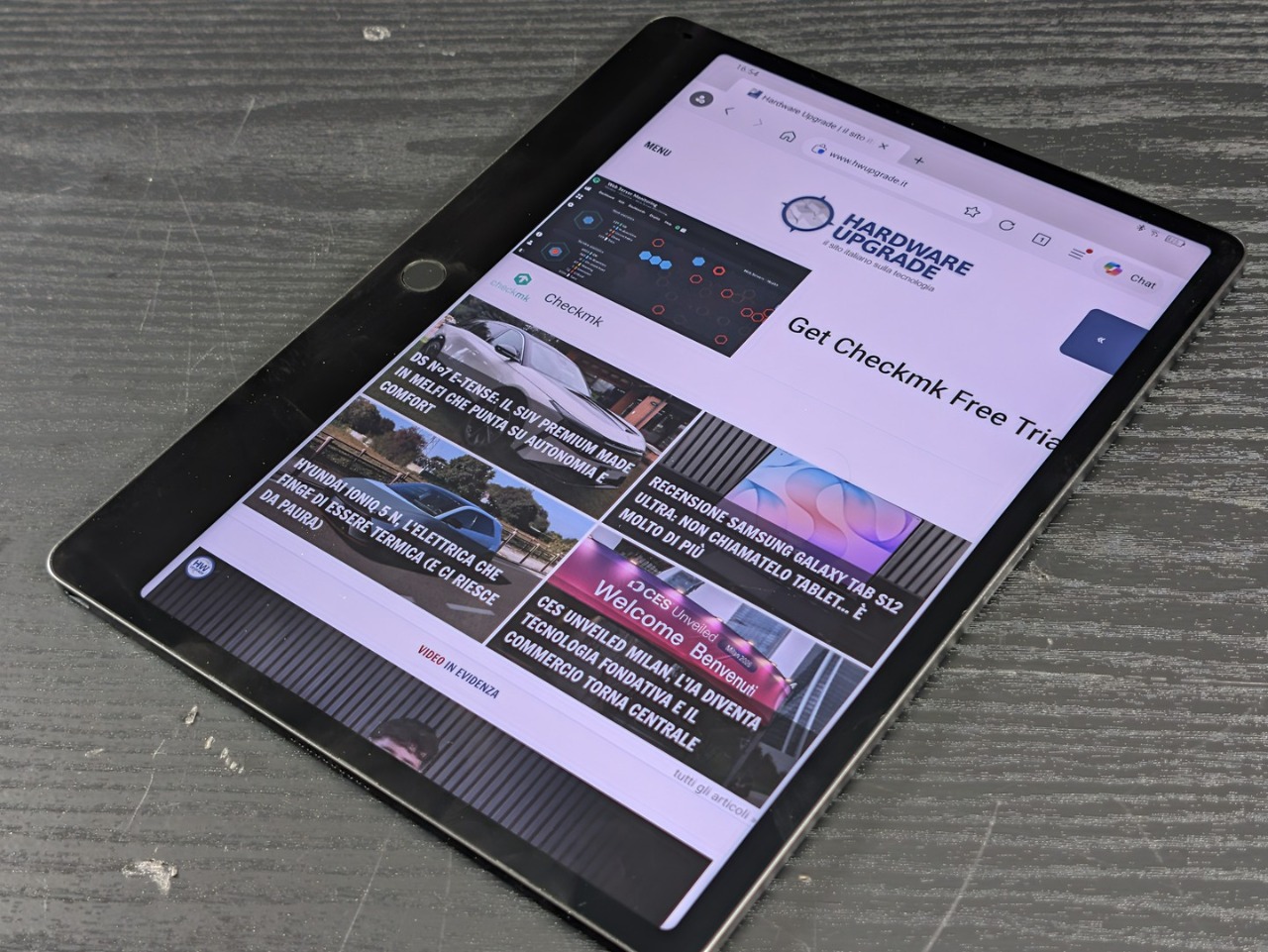
Among the examples cited are Kindle, WEBTOON, Outlook and Notion, therefore reading, mail and note archives. File synchronization passes through Dropbox, Google Drive and OneDrive, while transfer via Wi-Fi and wireless screen projection complete the connectivity part.
The Helio G100 combined with 8 GB of RAM manages the 120 Hz refresh rate without the slightest hesitation: in the practical test the tablet always proved to be extremely fluid and responsive, both in usual activities with the pre-installed apps and under heavier loads such as complex PDFs, notes of several pages and active transcription in multitasking.
Camera
The photographic sector is secondary: only one sensor appears in the card, rear, from 13 megapixels.
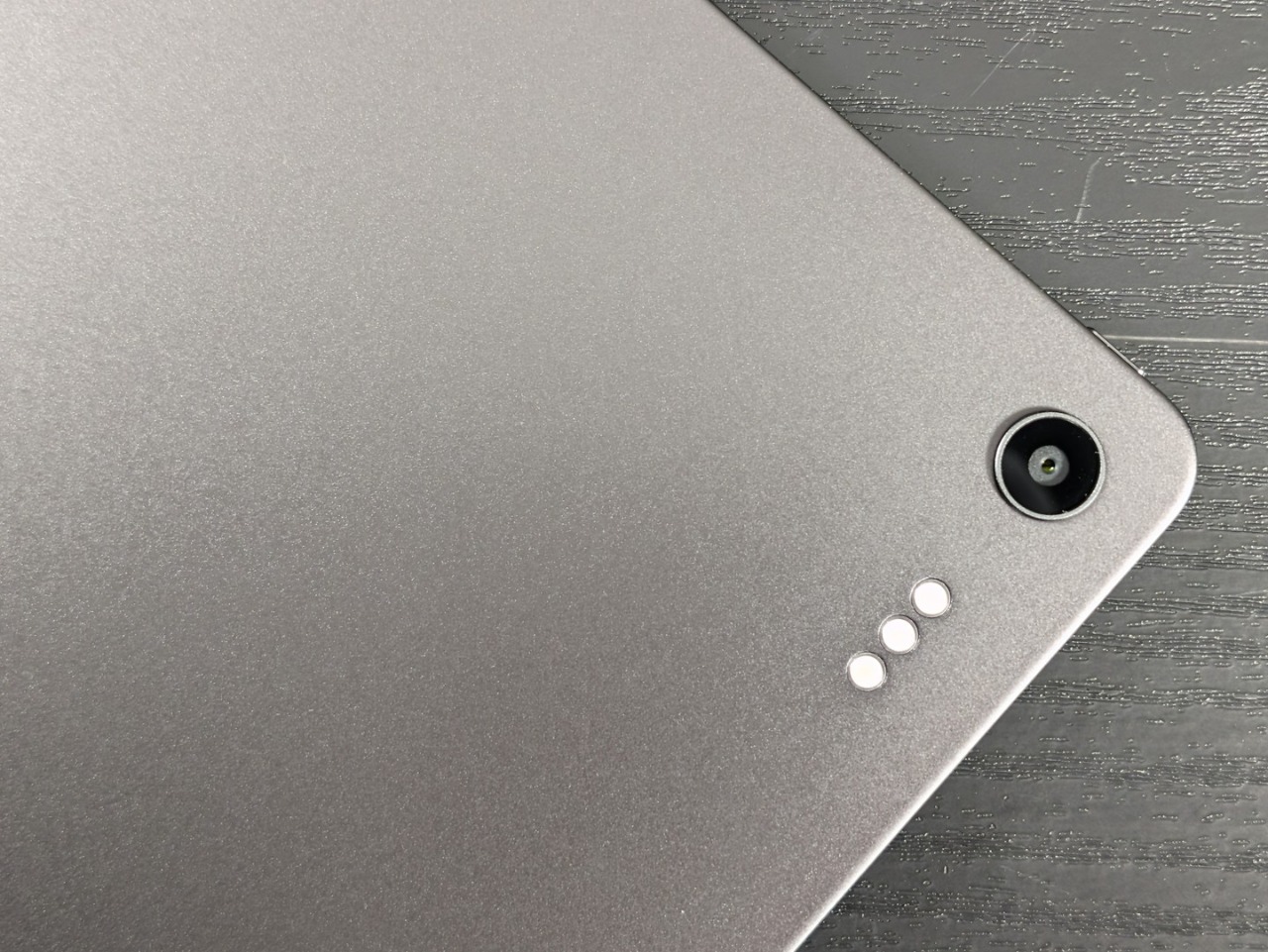
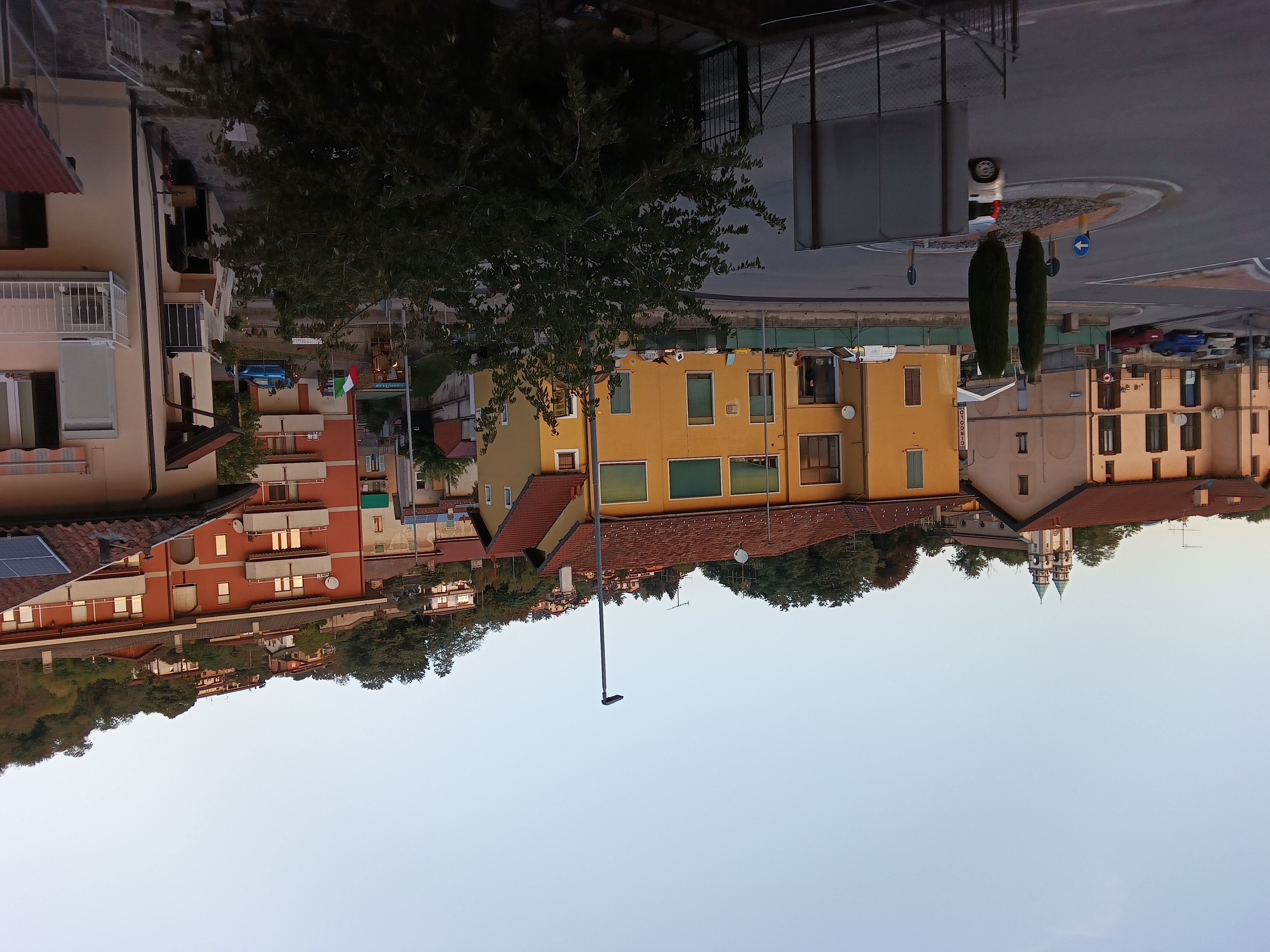
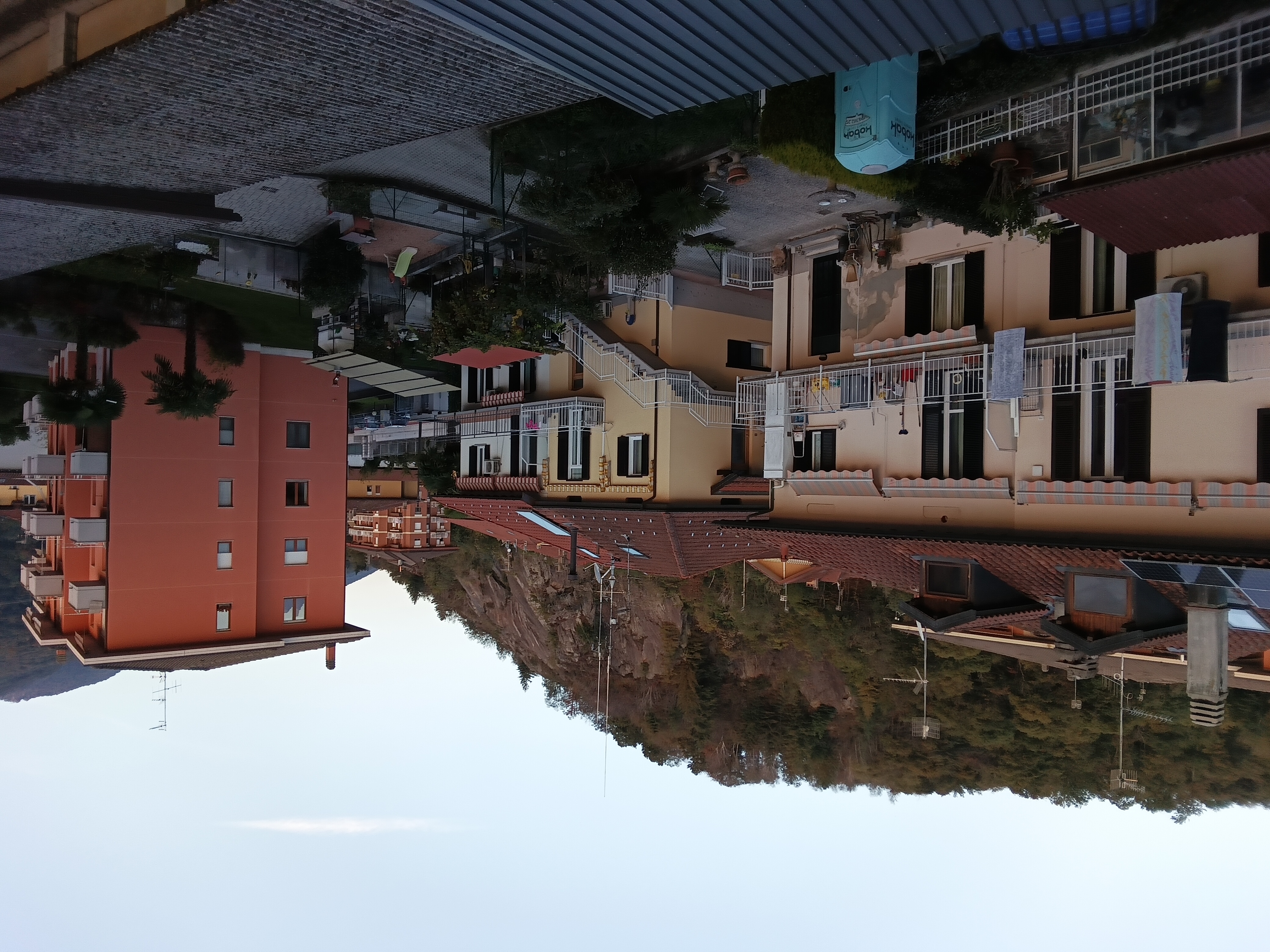
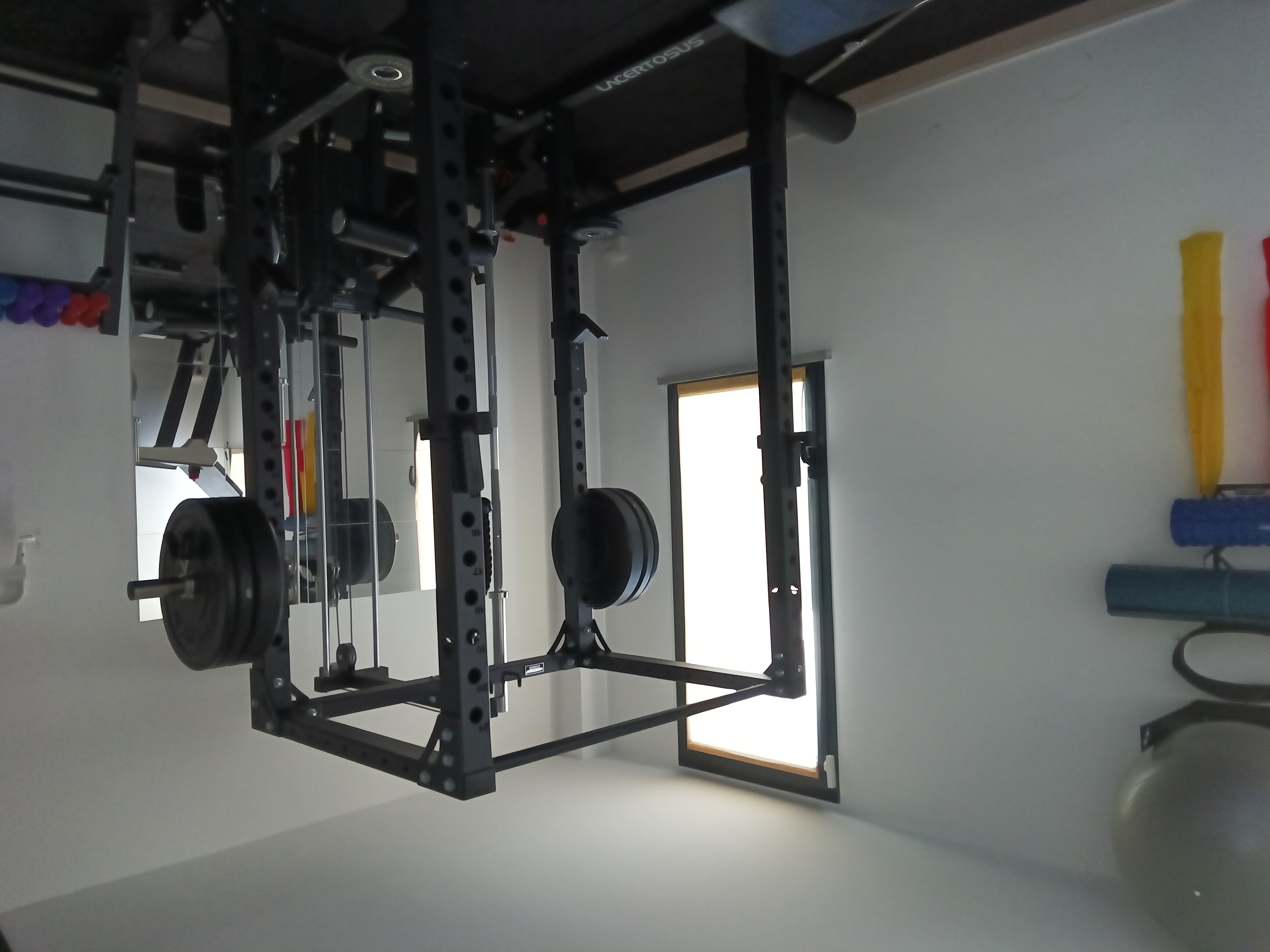
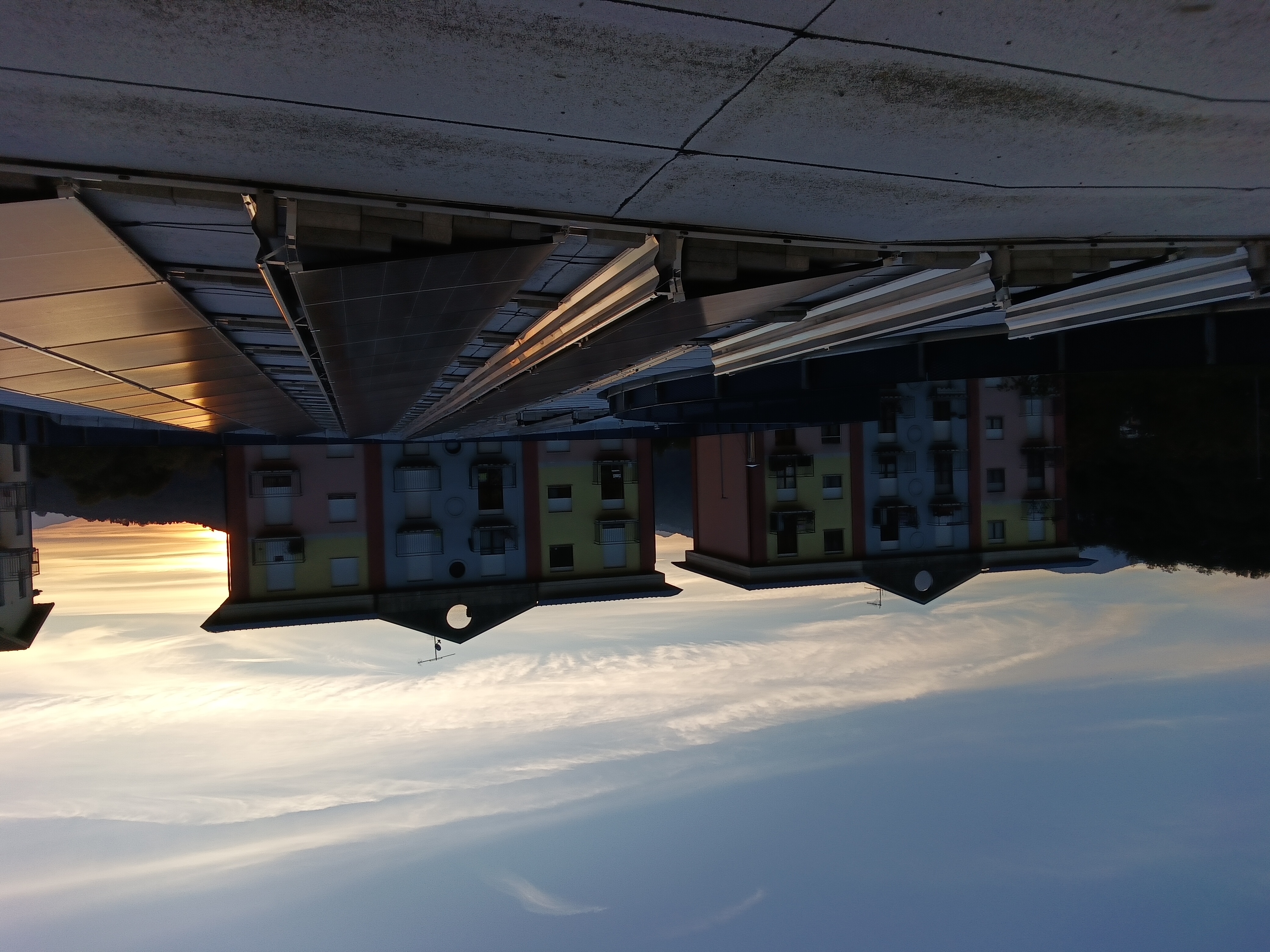
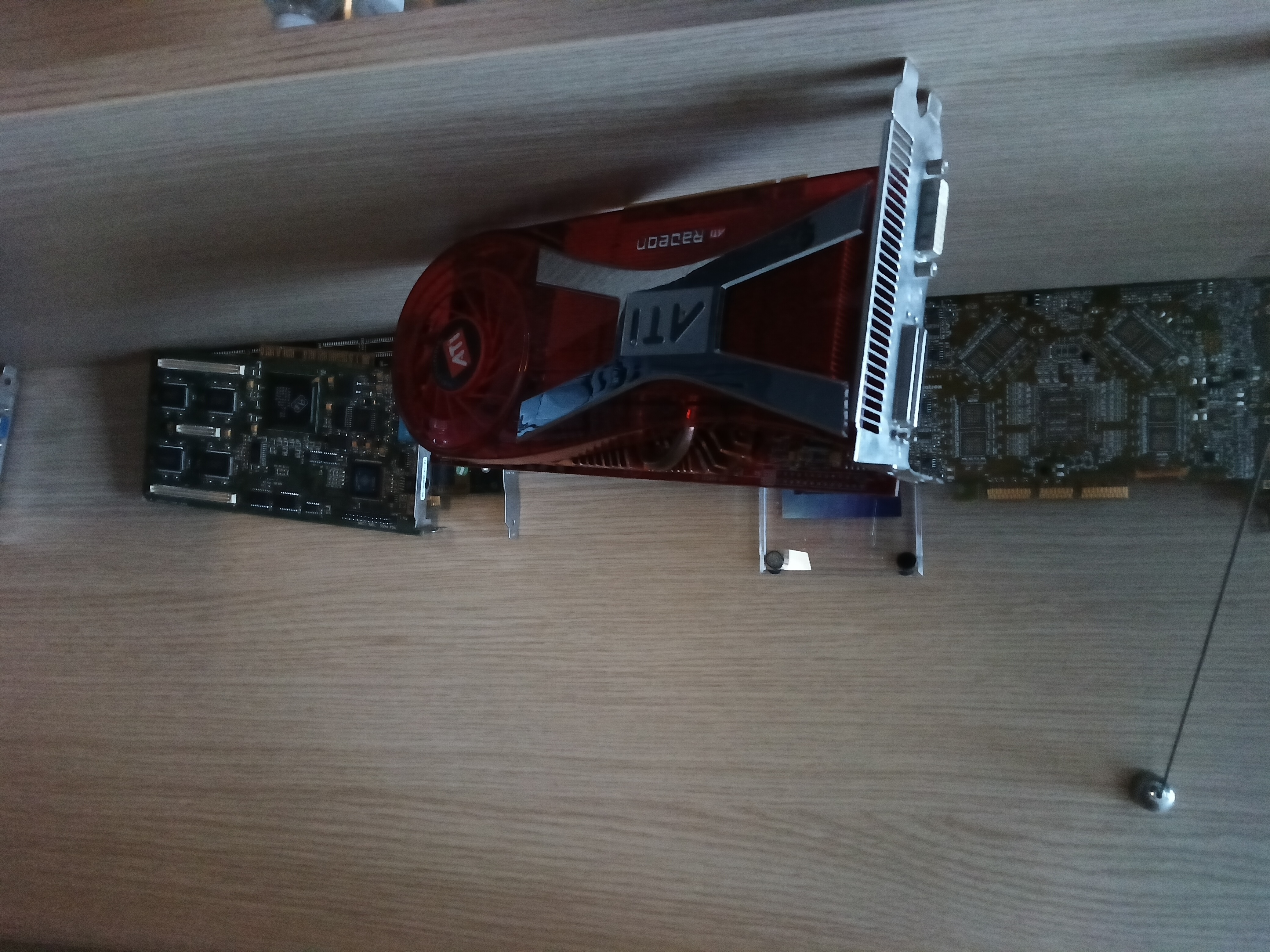
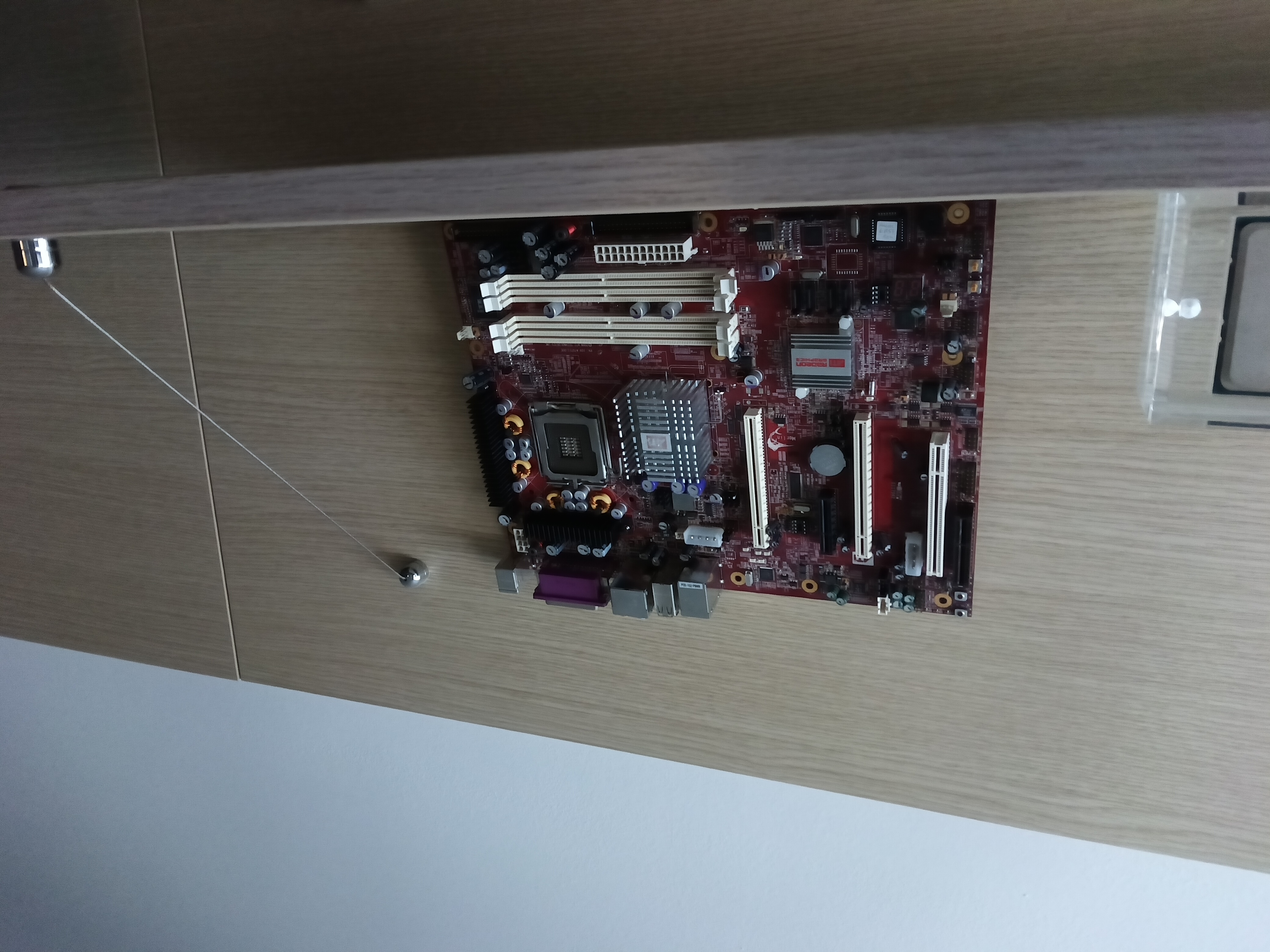
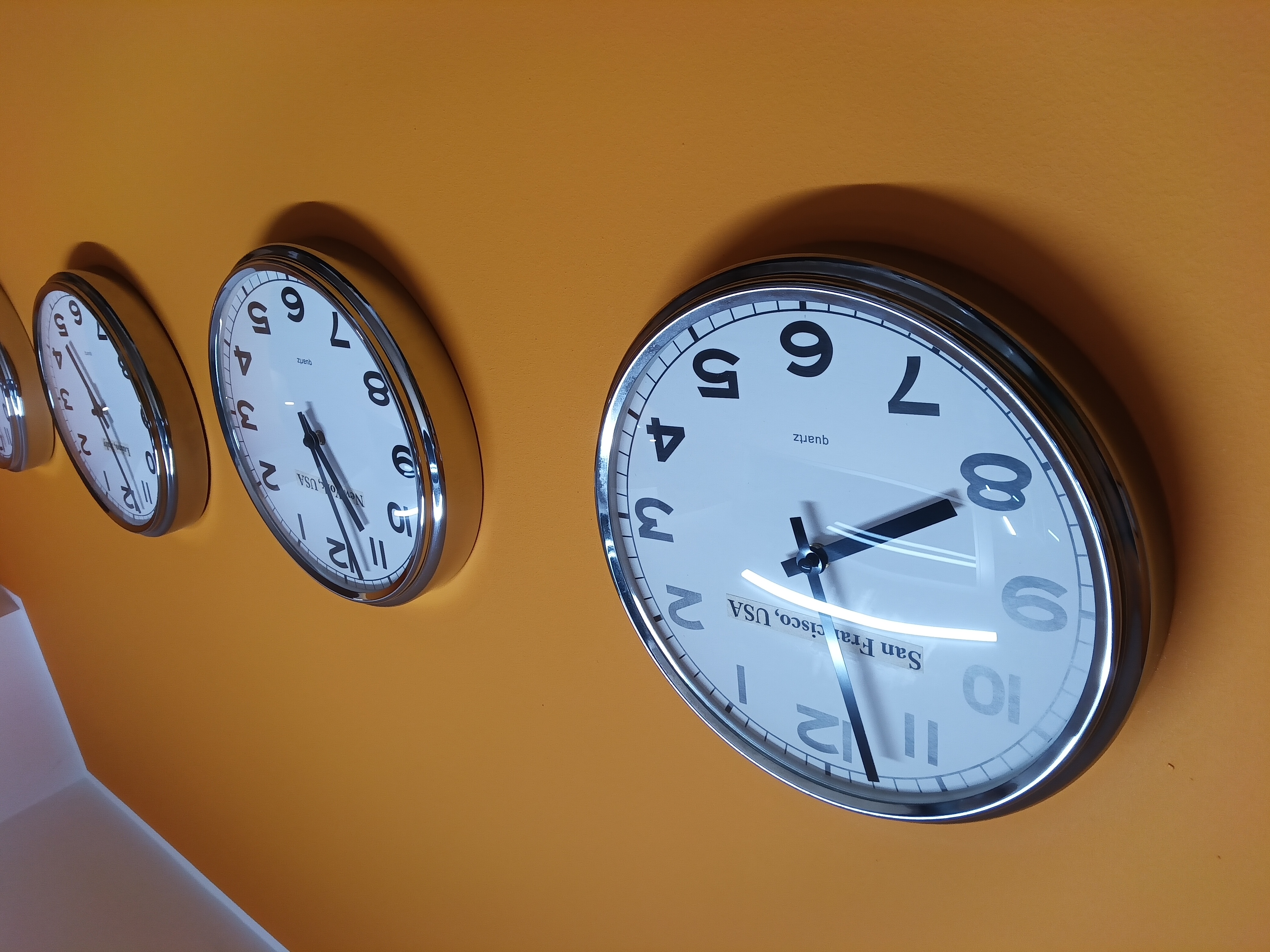
On a tablet designed for notes, its task is to acquire whiteboards, documents and notebook pages to archive, rather than document a trip. The shots below give an idea of the performance in different light conditions.
Price
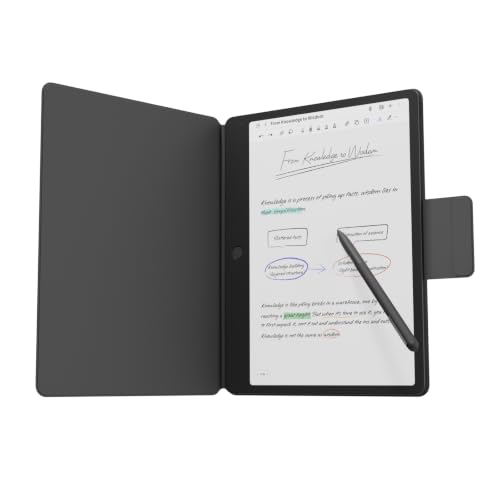
TCL announced Note A1 NXTPAPER a 549.90 euros in Italybut in online stores the dark gray version with T-Pen Pro and flip case can be found starting from 449 euros.

The bundle with pen and flip case affects the comparison with e-ink digital notebooks and Android tablets of the same diagonal, because the final price is influenced by the fact of not having to purchase anything separately to start writing.
Final thoughts
Notes A1 NXTPAPER it has a card consistent with its goal: 120 Hz matte screen, high-end data pen, a notes app full of tools and a generous dose of artificial intelligence features.

Use LCD on one hand with trade-offs and advantages, accepting higher reflections and consumption of e-ink in exchange for color, fluidity and an Android ecosystem. The result is a credible and complete substitute for the classic paper notebook.
The writing sensation is among the most evident strong points: the matte surface treatment provides a natural friction, very close to that of the pen on paper, completely eliminating the slippery effect typical of traditional glass displays. The ergonomics convince at times, with the size of the display which helps with longer writing but which requires a weight that is not exactly low.
On the software front, the artificial intelligence algorithms for summarizing and transcribing in Italian perform very well, returning coherent, well-formatted and really useful summaries for reorganizing messy notes or meeting minutes on the fly. The solid and reliable autonomy closes the circle: even using the 120 Hz panel and recording audio for several hours, the device covers the entire operating day without worries, confirming itself as a mature, versatile instrument ready for professional use.